Best Instagram Reels Templates: Free & Pro Options for Creators (2026)
Best Instagram Reels templates from Instagram, CapCut, Canva, and more. Where to find them, how to customize, template types by content goal, and when AI generation is a better option.
FlowShorts Team
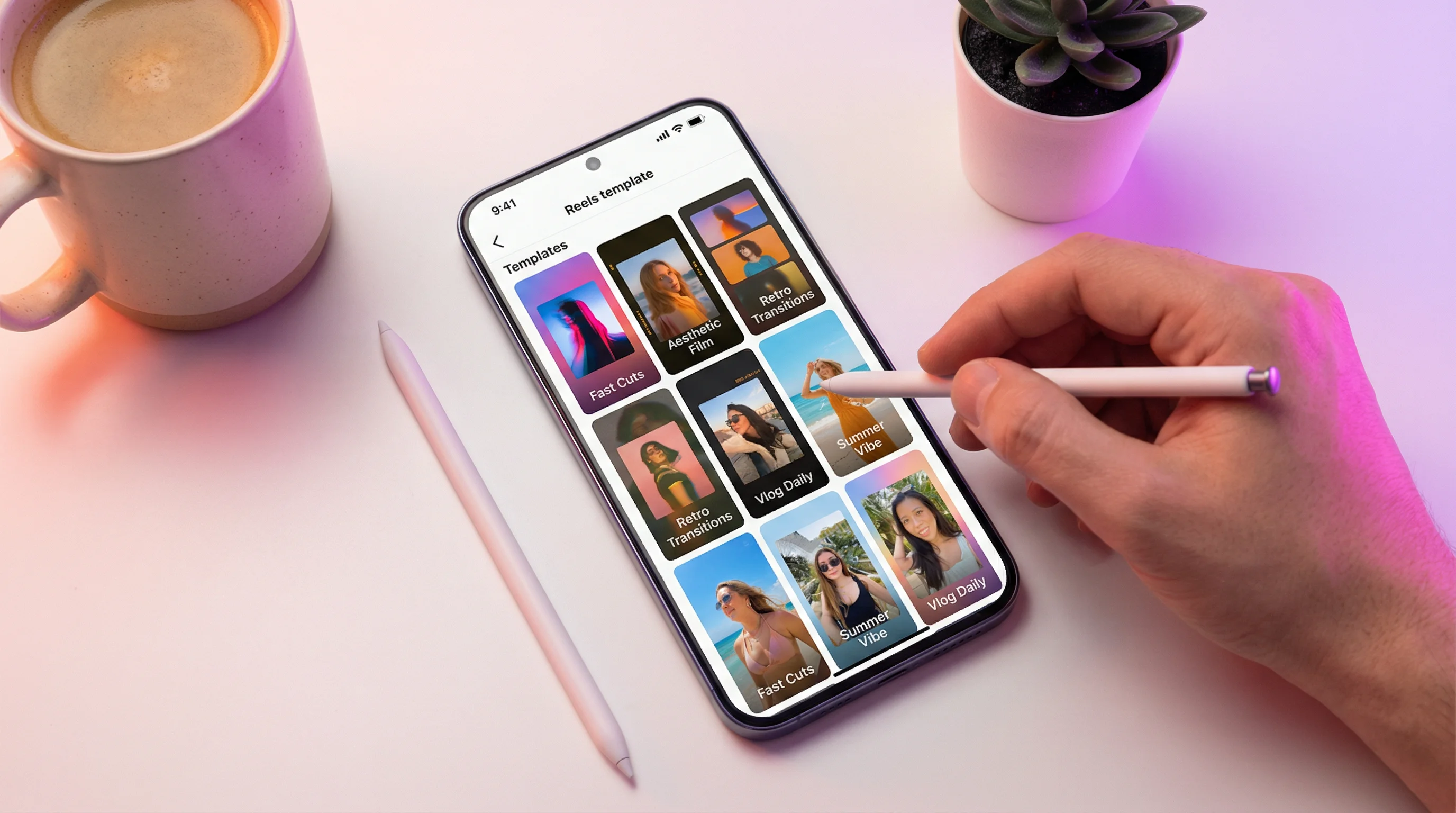
Instagram Reels templates give you a pre-built structure — transitions, timing, text placements, and audio synced — so you fill in your own clips and publish. They cut creation time from 30 minutes to 5 minutes and keep your Reels looking polished without design skills.
This guide covers where to find templates, the best free and pro sources, how to use them effectively, and when AI-generated Reels are a better option than templates altogether.
Where to Find Instagram Reels Templates
1. Instagram's Built-In Templates
Instagram has a native template feature baked into the Reels editor:
- Open the Reels camera
- Tap Templates at the bottom of the screen
- Browse trending templates — each shows the audio, transition timing, and number of clips needed
- Tap Use Template
- Add your photos or video clips to each placeholder
- The template auto-syncs your clips to the beat and transitions
Pros: Free, auto-synced to trending audio, native integration means no export/import needed.
Cons: Limited customization, can't change the audio or timing, everyone uses the same popular templates.
2. CapCut Templates
CapCut is the most popular source for Reels templates outside Instagram. The app has thousands of community-created templates across every style and niche.
- Open CapCut → Tap Templates at the top
- Browse by category or search for a style (e.g., "aesthetic," "product showcase," "tutorial")
- Tap a template → Use Template → add your clips
- Export as MP4 and upload to Instagram
Pros: Massive library, highly customizable after applying, free.
Cons: Exported with CapCut watermark on free tier (removable with Pro).
3. Canva Reels Templates
Canva offers video templates specifically sized for Reels (1080×1920). They work best for text-heavy or graphic-based Reels rather than video clip compilations.
- Open Canva → Search "Instagram Reels"
- Browse hundreds of templates organized by style
- Customize text, colors, images, and animations
- Export as MP4
Pros: Great for educational/text Reels, brand-customizable, drag-and-drop simplicity.
Cons: Not ideal for video-clip-based Reels, some templates are Pro-only.
4. Third-Party Template Marketplaces
| Source | Best For | Price | Template Type |
|---|---|---|---|
| CapCut | Video clip templates, trending formats | Free (Pro $8/mo) | Video transitions + audio sync |
| Canva | Text/graphic Reels, branded content | Free (Pro $13/mo) | Motion graphics + text animations |
| InShot | Quick mobile editing with templates | Free (Pro $4/mo) | Video transitions + filters |
| Mojo | Stories and Reels animated templates | Free (Pro $10/mo) | Motion design + text reveals |
| Envato Elements | Professional After Effects/Premiere templates | $17/mo | Pro-grade motion graphics |
| Creative Market | Unique indie-designed templates | Per-template ($5-25) | Custom designs |
Create Faceless Videos on Autopilot
FlowShorts generates and posts AI videos to YouTube, TikTok & Instagram while you sleep.
Try FlowShorts Free →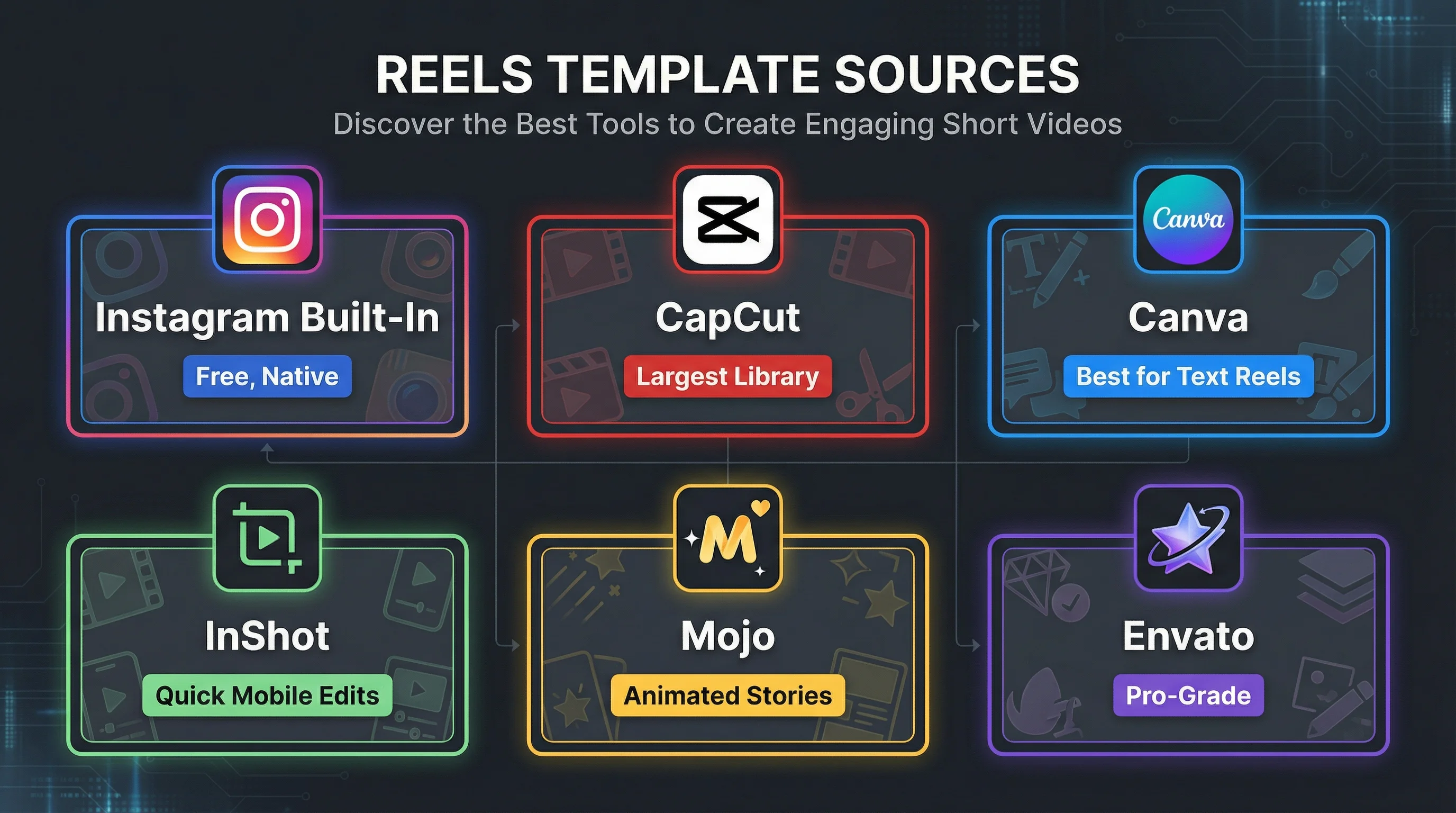
Best Reels Template Types by Content Goal
| Content Goal | Template Type | Example |
|---|---|---|
| Product showcase | Smooth transitions, zoom-ins, beat-synced reveals | Product spin, unboxing sequence, feature highlight reel |
| Before/After | Split-screen or swipe transition | Home renovation, fitness transformation, design makeover |
| Tutorial/How-to | Numbered steps with text overlays | "Step 1... Step 2... Step 3" with clip per step |
| Photo montage | Beat-synced photo transitions | Travel dump, event recap, portfolio showcase |
| Text-based tips | Animated text reveals on colored backgrounds | "5 tips for..." with one tip per beat drop |
| Trending format | Whatever's popular this week on the Reels tab | Varies — check trending templates in Instagram and CapCut weekly |
How to Customize Templates Effectively
1. Match Your Brand Colors
Most templates use generic colors. Before publishing, change text colors, background colors, and overlay tints to match your brand palette. Consistency across Reels makes your content recognizable in the scroll.
2. Swap the Audio (If Possible)
Template audio may not be trending anymore by the time you use it. Check if the audio is still trending on Instagram (look for the trending arrow). If not, replace it with a currently trending track for algorithmic boost.
3. Add Captions
Templates rarely include captions. After applying the template and adding your clips, use Instagram's Captions sticker or add manual text for key dialogue points. 85% of viewers watch without sound — captions are essential regardless of template quality.
4. Adjust Timing to Your Content
Don't force 7 clips into a template designed for 5. If the template expects clips of certain lengths, film or trim your footage to match. Mismatched timing creates awkward cuts that undermine the template's polish.
5. Change the First Frame
Template first frames are generic. Replace the opening with a strong hook specific to your content. The first second determines everything — a template's default intro is never as compelling as a custom hook. Use our Video Hook Generator for ideas.
Templates vs. AI-Generated Reels
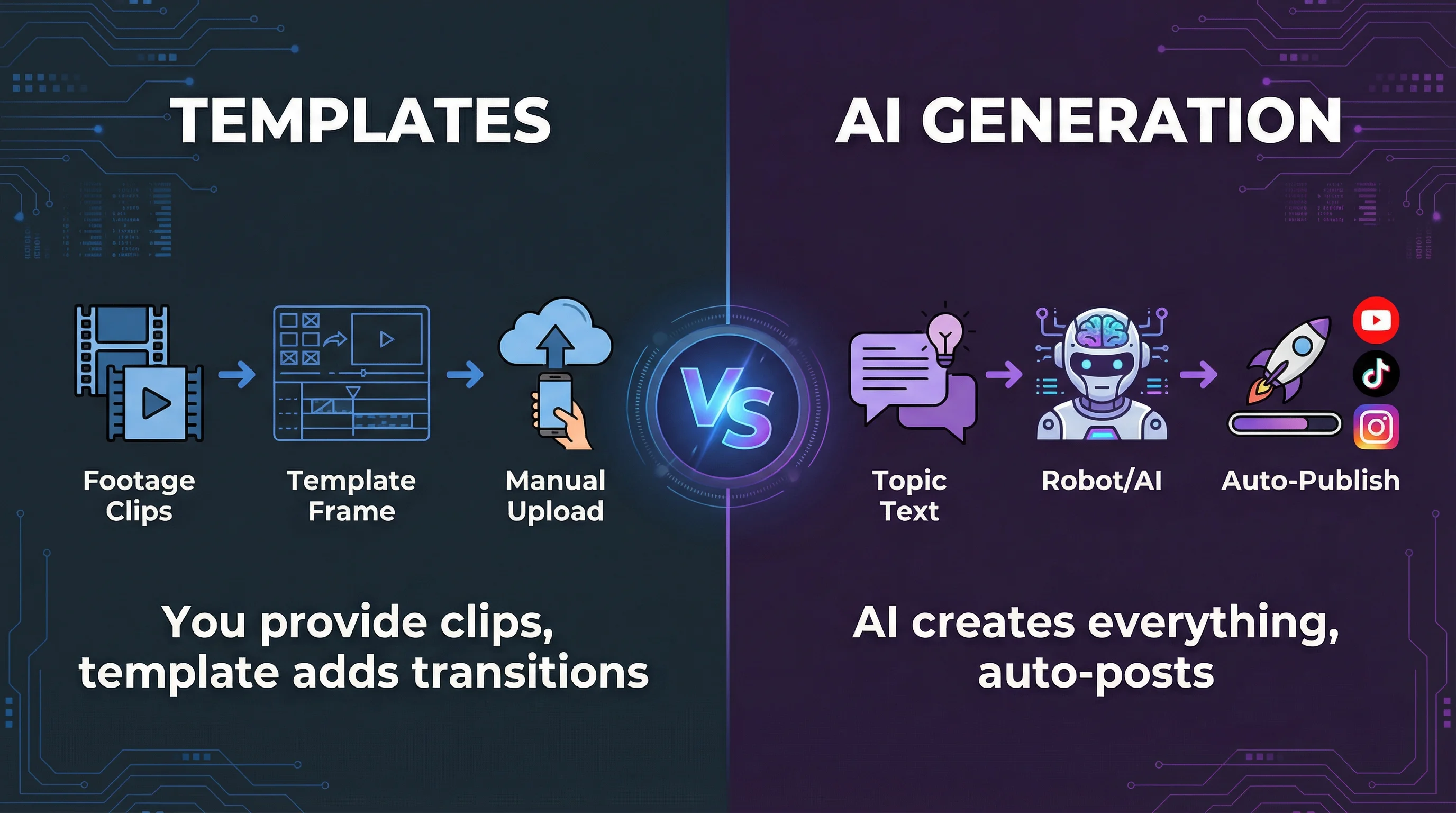
Templates and AI video generation solve the same problem — creating Reels faster — but in fundamentally different ways:
| Factor | Templates | AI-Generated Reels (FlowShorts) |
|---|---|---|
| Input required | Your own video clips or photos | Just a topic or niche selection |
| Script | You write it | AI generates it |
| Visuals | Your footage + template transitions | AI-generated images with motion |
| Voiceover | You record it (or skip it) | AI text-to-speech (ElevenLabs quality) |
| Captions | Add manually after | Auto-generated animated captions |
| Music | Template provides or you choose | Auto-selected background music |
| Posting | Manual upload to Instagram | Auto-posted to Instagram, YouTube Shorts, TikTok |
| Time per Reel | 5-15 minutes | 0 minutes (fully automated) |
| Best for | Branded content, personal footage, product videos | Faceless content, daily posting, niche education/motivation |
Create Faceless Videos on Autopilot
FlowShorts generates and posts AI videos to YouTube, TikTok & Instagram while you sleep.
Try FlowShorts Free →The bottom line: Use templates when you have footage you want to showcase (products, personal content, events). Use AI generation when you need consistent daily content without filming — particularly for faceless content niches like motivation, education, history, finance, or science.
FlowShorts generates complete Reels on autopilot — script, AI images, voiceover, captions, music — and auto-posts to Instagram Reels plus YouTube Shorts and TikTok. No templates, no footage, no editing required.
How to Find Trending Templates
- Instagram Reels tab: Scroll the Reels feed and note which transition styles and audio tracks appear repeatedly — these are the trending formats
- Instagram Templates section: Open Reels camera → Templates — sorted by popularity
- CapCut Trending: The "Hot" section in CapCut templates updates weekly
- Creator accounts: Follow 5-10 accounts in your niche that get high Reel views. When they use a template format, recreate it with your content within 48 hours
- TikTok: Trends often start on TikTok before migrating to Instagram. Watch TikTok trends to get ahead by a week
Frequently Asked Questions
Where are templates on Instagram Reels?
Open the Reels camera (tap + → Reel), then tap Templates at the bottom of the screen. Browse trending templates, select one, and add your clips to the placeholders. Templates auto-sync your content to the audio and transitions.
What is the best app for Reels templates?
CapCut has the largest and most varied template library for video-based Reels. Canva is best for text/graphic-based Reels. Instagram's built-in templates are best for quick, trending-audio-synced content that stays fully native.
Are Reels templates free?
Yes — Instagram's built-in templates are completely free. CapCut and Canva offer extensive free template libraries, with premium templates available on paid tiers. For most creators, free templates are more than sufficient.
Can I change the audio on a Reels template?
On Instagram's native templates, the audio is fixed — it's tied to the template's timing. On CapCut and Canva, you can swap audio after applying the template. If trending audio matters to you, check that the template's audio is still trending before using it.
How often should I use templates vs. original Reels?
A healthy mix is 30-50% template-based, 50-70% original. Templates save time and leverage trending formats. Original Reels showcase your unique style and voice. Over-relying on templates makes your content look generic; ignoring them means missing trending formats that drive reach.
Related Guides
- How to Make Instagram Reels
- Instagram Reels Size & Dimensions
- How the Instagram Algorithm Works
- Instagram Marketing Strategy Playbook
- 50 Video Editing Tips
Skip Templates — Generate Reels With AI
FlowShorts creates complete Reels from scratch — AI scripts, images, voiceover, captions, music — and auto-posts daily to Instagram, YouTube Shorts, and TikTok. No templates, no footage, no editing.