75+ Instagram Story Ideas to Boost Engagement and Views (2026)
75+ Instagram Story ideas organized by purpose: engagement polls and quizzes, content promotion, behind-the-scenes, educational tips, sales, and fun personality content.
FlowShorts Team
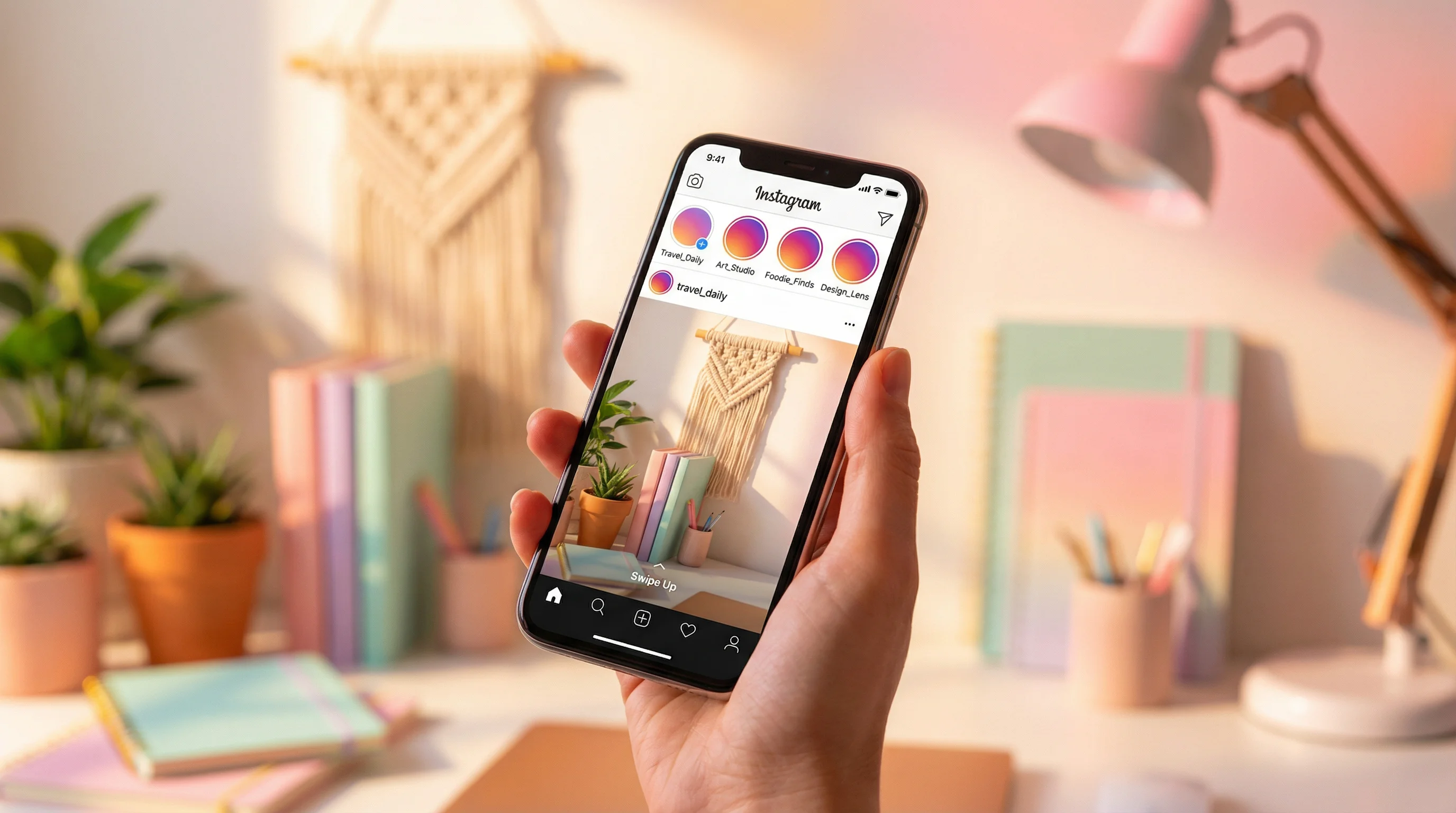
Running out of Instagram Story ideas is the fastest way to disappear from your followers' Stories tray. The algorithm ranks Stories by interaction frequency — if you stop posting, you lose your position and your visibility drops.
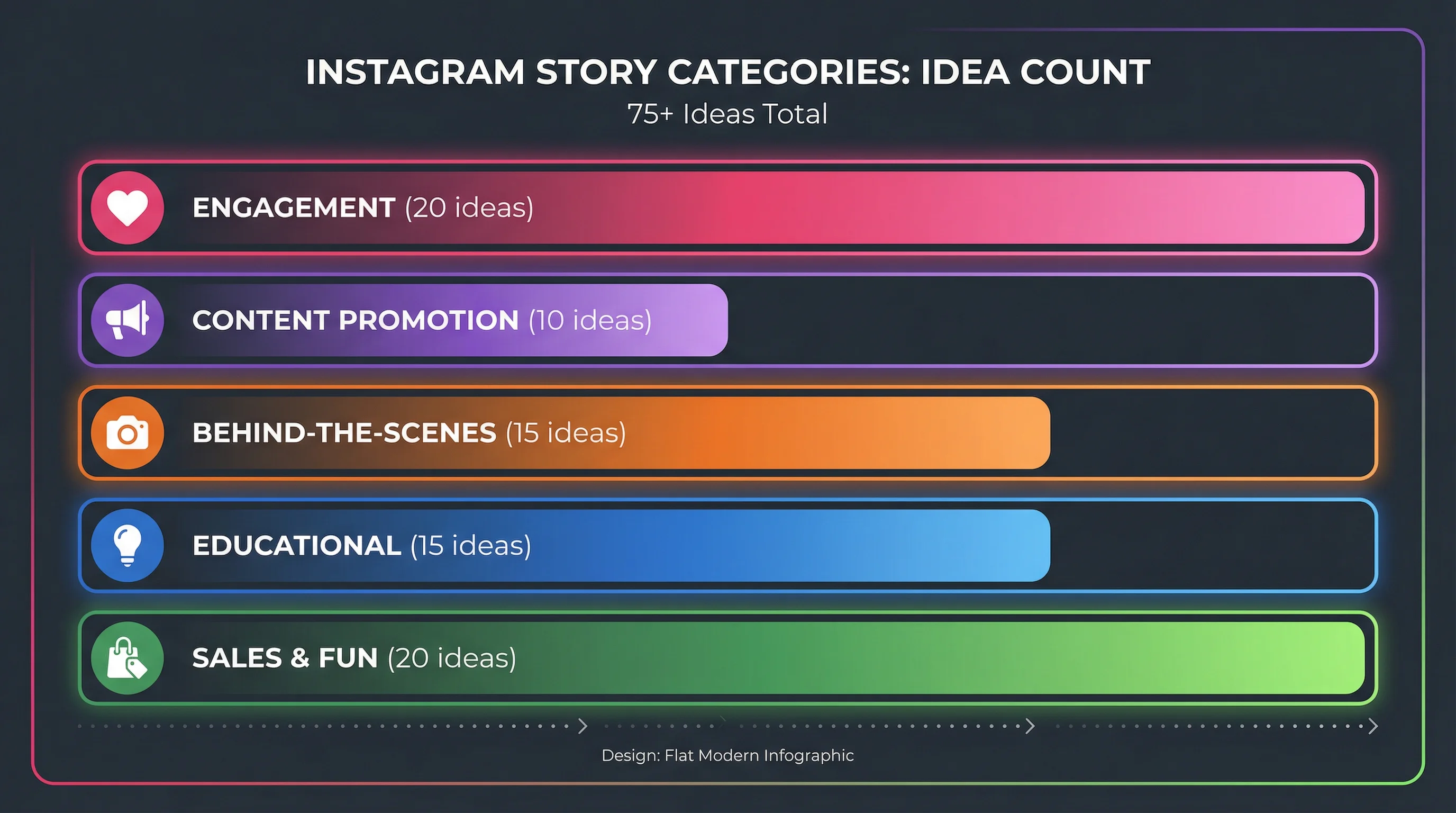
Here are 75+ Story ideas organized by purpose: engagement, content promotion, behind-the-scenes, education, and sales. Bookmark this list and pull from it whenever you're stuck.
Engagement Stories (Drive Replies and Interactions)
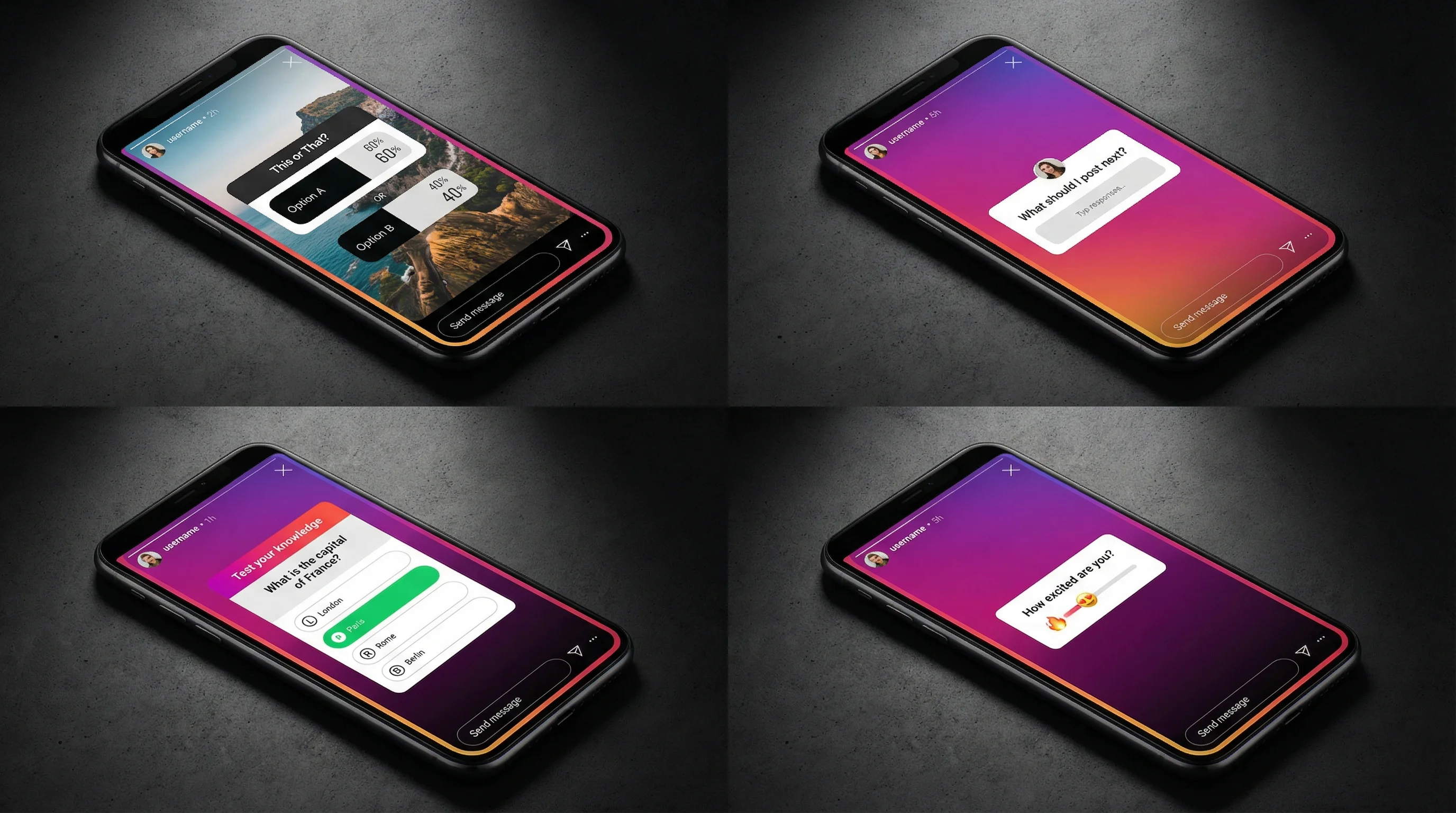
These use interactive stickers to generate replies, taps, and DMs — the strongest signals for staying at the front of the Stories tray.
Polls
- "This or that?" — two options related to your niche (e.g., "Morning workouts or evening workouts?")
- "Hot take: [controversial opinion]. Agree or disagree?"
- "What should I post next?" — give followers two content options
- "Unpopular opinion poll" — a niche-specific take that splits your audience
- "Rate this on a scale" — use the emoji slider for nuance
Questions
- "What's your biggest struggle with [niche topic]?" — use the Question sticker
- "AMA (Ask Me Anything)" — open the floor for any question
- "Tell me your [niche] hot take and I'll respond"
- "What do you want me to cover next?"
- "Drop your [niche] setup/routine/tool and I'll give feedback"
Quizzes
- "Test your [niche] knowledge" — 3-4 multiple choice questions across Stories
- "True or False: [surprising fact about your niche]"
- "Guess the [price/stat/answer]" — reveal the answer in the next Story
- "How well do you know me?" — fun personal quiz for audience connection
- "Spot the mistake" — show something wrong and ask followers to find it
Reaction-Based
- "React with 🔥 if you've experienced this"
- "DM me [keyword] and I'll send you [resource/tip/link]" — drives DMs, the strongest algorithm signal
- "Share this to your Story if you agree" — drives reshares
- "Screenshot and fill in the blank: My favorite [niche] tip is ___"
- "Countdown to [event/launch/announcement]" — use the Countdown sticker
Content Promotion Stories (Drive Traffic to Your Posts)
Every time you publish a Reel, carousel, or feed post, promote it through Stories. This drives initial engagement — which is the critical signal for algorithmic distribution.
- Share your new Reel to Stories with a "Watch the full thing 👆" text overlay
- Post a teaser clip (3-5 seconds) from your new Reel with "New Reel just dropped"
- Screenshot your carousel's first slide with "Swipe through this — I spent hours on it"
- "In case you missed it" — reshare a post from earlier this week that performed well
- Show the behind-the-scenes of creating the post, then link to the finished version
- "Comment [word] on my latest post and I'll DM you a bonus tip"
- Poll: "Did you see my latest post?" YES / NO → drives people to check
- Share a follower's comment on your post (with their permission) as social proof
- "Which slide was your favorite?" — follow up on a carousel post
- "Save my latest post for later — you'll need it"
Behind-the-Scenes Stories (Build Connection)
Turn Ideas into Videos Instantly
Pick a niche and FlowShorts generates scroll-stopping short-form videos with AI — script, visuals, voice & captions.
Try It Free →BTS content humanizes your brand and creates parasocial connection. Followers who feel like they know you personally engage more and stay longer.
- Your workspace/setup tour
- "Day in my life" — document your day in 5-7 Story clips
- Your morning or evening routine
- Work-in-progress: show what you're creating before it's finished
- Bloopers and outtakes from filming
- "What's on my phone" — show your most-used apps
- Your content creation process: scripting → filming → editing → posting
- Pack/unpack an order (if e-commerce)
- "What I'm reading/watching/listening to this week"
- Your tool stack — the apps, gear, and tools you use daily
- Meeting or event recap
- "Things that inspired me this week"
- A candid photo/video with a real-talk caption
- Your wins and lessons from the past month
- "I almost didn't post this, but..." — vulnerability builds trust
Educational Stories (Establish Authority)
Quick tips and mini-lessons show expertise without requiring a full post. They're low effort to create and high impact for authority building.
- "Quick tip" — one actionable tip per Story slide (3-5 slides)
- "Did you know?" — share a surprising fact about your niche
- Mini tutorial: show how to do something in 3-4 Story clips
- "Myth vs. Reality" — debunk a common misconception
- "Tool of the week" — recommend one tool you use and why
- "3 mistakes beginners make with [topic]"
- Infographic Story — design a single-slide infographic with a key stat or framework
- "If you're struggling with [problem], try this"
- Resource recommendation — book, podcast, course, template
- "Here's what I'd do differently if I started over"
- "The one thing that changed everything for my [niche]"
- Respond to a common DM question as a Story (helps others with the same question)
- "Step 1 of 3: How to [achieve result]" — serialized across Stories
- Share a screenshot of data/analytics with your analysis
- "Bookmark this" — a reference-style Story worth saving (use the Add to Highlights CTA)
Sales and Promotion Stories (Drive Revenue)
These work best when mixed into your regular content — not as standalone promotional bursts. The 80/20 rule: 80% value, 20% promotion.
- Product/service showcase with a "Link" sticker
- Customer testimonial screenshot
- Before/after results from a customer
- "Limited spots available" or "Ends tonight" urgency
- FAQ Story: answer the most common question about your product
- "How [product] works" — 3-slide mini demo
- Price comparison with alternatives
- Unboxing or reveal of a new product
- "DM me [keyword] for the link" — drives DMs and personal conversations
- "Swipe up" (or "Tap the link") — direct CTA to a landing page
Fun and Personality Stories (Stay Human)
- "Two truths and a lie" about you
- "This or that" personal edition (coffee or tea, beach or mountains)
- Share a meme related to your niche
- Throwback photo or video
- Your unpopular opinion about your industry
- "What I ordered vs. what I got" — relatable humor
- "Show me your [desk/pet/setup/meal] without telling me your [job/personality]"
- React to a trending audio or meme in your niche
- "Rate my [setup/outfit/meal] 1-10" — emoji slider
- Celebrate a small win — hitting a follower milestone, finishing a project, personal achievement
Story Posting Best Practices
| Practice | Why It Matters |
|---|---|
| Post 3-5 Stories per day | Stays visible in the Stories tray without overwhelming followers |
| Space them throughout the day | Morning, midday, and evening keeps your ring active all day |
| Use interactive stickers on 50%+ of Stories | Every reply/tap strengthens your algorithmic position with that follower |
| Share new posts to Stories immediately | Drives first-hour engagement on your Feed content |
| Save best Stories to Highlights | Highlights act as a permanent portfolio on your profile for new visitors |
| Reply to every Story reply | DM conversations are the strongest relationship signal in the algorithm |
For a complete Instagram content strategy including Stories, Reels, and carousels, see our Instagram marketing strategy playbook.
How to Organize Story Highlights
Highlights are the first thing visitors see on your profile after your bio. Organize them by topic, not chronology:
Turn Ideas into Videos Instantly
Pick a niche and FlowShorts generates scroll-stopping short-form videos with AI — script, visuals, voice & captions.
Try It Free →- Start Here — Introduction to you/your brand, what followers can expect
- Tips — Best educational Story content, organized by subtopic
- Reviews/Testimonials — Social proof from customers or followers
- FAQ — Common questions answered (saves you from repeating yourself)
- [Product/Service] — Dedicated highlight for each offer
- BTS — Behind-the-scenes content that builds personal connection
Design custom Highlight covers using Canva (matching your brand colors) for a polished profile appearance.
Frequently Asked Questions
How many Instagram Stories should I post per day?
3-5 per day is the sweet spot. This keeps your Stories ring active throughout the day without overwhelming followers. Space them out — morning, midday, and evening works well. Posting 10+ per day can cause fatigue and skip-throughs.
What type of Story gets the most engagement?
Interactive sticker Stories — polls, quizzes, questions, and emoji sliders. Each tap or reply counts as engagement and strengthens your algorithmic ranking with that follower. Polls are the easiest to engage with (one tap) and consistently drive the highest interaction rates.
Do Instagram Stories help grow followers?
Stories primarily help retain existing followers, not acquire new ones. Stories are only shown to followers (they don't appear in Explore or the Reels tab). For follower growth, focus on Reels. For keeping those followers engaged and active, use Stories. See our follower growth guide.
Should I use Stories or Reels?
Both. They serve different purposes. Reels reach non-followers (growth). Stories engage existing followers (retention). A complete Instagram strategy uses Reels for discovery and Stories for daily connection. See our complete strategy guide.
How do I get more replies on Stories?
Use the Question sticker with a specific prompt (not generic "AMA"). Ask about a pain point in your niche. Also try "DM me [word] for [resource]" — it's the most reliable way to drive DMs, which are the strongest algorithmic signal.
Related Guides
- Instagram Marketing Strategy Playbook
- How the Instagram Algorithm Works
- How to Get More Instagram Followers
- Instagram Carousel Posts Guide
- How to Make Instagram Reels
- Best Time to Post Reels
Automate Your Reels While You Focus on Stories
Stories require a human touch — polls, questions, behind-the-scenes. Let FlowShorts handle the heavy lifting by generating and auto-posting Reels daily. You focus on Stories and engagement.