The 12 Best AI Video Generators of 2026: From Automation to Artistry
Discover the best AI video generators for creators and marketers. We review the top 12 tools for automation, avatars, text-to-video, and more.
FlowShorts Team

You need AI-generated videos. The market has dozens of tools claiming to be the best. Most reviews just rehash feature lists without telling you which tool actually fits your workflow.
This guide is different. We signed up for each platform, ran test generations, and compared the results. Below you'll find 12 AI video generators sorted by what they're actually good at, with real pros, cons, and pricing so you can pick the right one and move on.
Quick-Pick Guide: Best Tool for Your Goal
| Your Goal | Best Pick | Why |
|---|---|---|
| Cinematic clips and B-roll | Runway | Best motion quality and camera controls |
| Fast prototyping on a budget | Pika | Transparent credits, fast output |
| Realistic physics and motion | Luma AI | Physics-aware Ray models with 4K output |
| Hands-free daily posting to Shorts/TikTok/Reels | FlowShorts | Full pipeline from script to auto-post |
| Corporate training and L&D | Synthesia | Enterprise avatars, 125+ languages, SOC 2 |
| Multilingual marketing videos | HeyGen | 700+ avatars, 175+ language dubbing |
| Editable AI drafts with model choice | InVideo AI | Multi-model access with post-generation editing |
| All-in-one editing + AI generation | VEED | Editor + AI Playground + publishing in one |
| Team collaboration on social content | Kapwing | Real-time collaboration + generative AI chat |
| Mobile-first TikTok creation | CapCut | Cross-platform editor with huge template library |
| Repurposing long-form to short-form | Opus Clip | AI virality scoring and auto-reframing |
| Turning blog posts into videos | Pictory | Article-to-video with text-based editing |
Now, the full breakdown.
1. Runway
Best for: Cinematic clips with precise camera control
Runway is the tool filmmakers and agencies reach for when they need short, polished AI-generated clips. Its Gen-3 Alpha and Gen-4 Turbo models produce video with strong prompt adherence and smooth motion. The standout feature: you can control virtual camera movement (pans, tilts, zooms), which most competitors don't offer.

Runway also includes a timeline-based editor, so you can generate, edit, upscale, and export without leaving the platform. The tradeoff: its credit system takes some getting used to, and the best results are limited to short clips (5-10 seconds). If you need help writing effective prompts for Runway, try our free prompt generator.
Key Features
- Multiple generation models: Gen-3 Alpha and Gen-4 Turbo for text-to-video and image-to-video.
- Camera controls: Set specific camera movements for more dynamic shots.
- Built-in editor: Timeline editor and upscaling tools in one place.
| Pros | Cons |
|---|---|
| Best-in-class motion quality and prompt accuracy. | Credit system can be confusing at first. |
| Full workflow from generation to final edit. | High-quality output limited to short clips. |
| Granular camera choreography. | Premium features locked behind paid plans. |
Best for: Filmmakers, agencies, and creators who need cinematic short clips with precise control over camera movement and visual quality.
Website: runwayml.com
2. Pika
Best for: Fast, affordable video generation with style range
Pika is built for speed. It turns text, images, or existing video into animated clips quickly, with a transparent credit system that shows you exactly what each generation costs before you hit "create." That predictability makes it popular with creators who test a lot of ideas and need to manage their budget.
Where Runway focuses on cinematic quality, Pika covers a wider range of animated styles. It's a strong pick for social media content, animated explainers, and quick artistic experiments. You won't find a built-in video editor here, but for pure generation speed and cost clarity, it's hard to beat.
Key Features
- Multi-modal input: Generate video from text, images, or by modifying existing clips.
- Transparent credits: See the exact cost per generation for different models and resolutions.
- Video modification: Expand canvas, change aspect ratios, and extend clip duration.
| Pros | Cons |
|---|---|
| Fast generation for quick iteration. | API billing is separate and can add up. |
| Commercial use on all paid plans. | Per-model credit costs add complexity. |
| No watermark on paid exports. | No built-in timeline editor. |
Best for: Social media managers, artists, and marketers who prototype ideas quickly and want to know exactly what they're spending.
Website: pika.art
3. Luma AI Dream Machine
Best for: Realistic motion and physics-aware video clips
Luma AI's Dream Machine stands out for one thing: the way objects and characters move. Its proprietary Ray models (1.6, 2, and 3) generate video that understands gravity, momentum, and physical interactions. The result is clips that feel grounded and believable, not floaty or artificial.
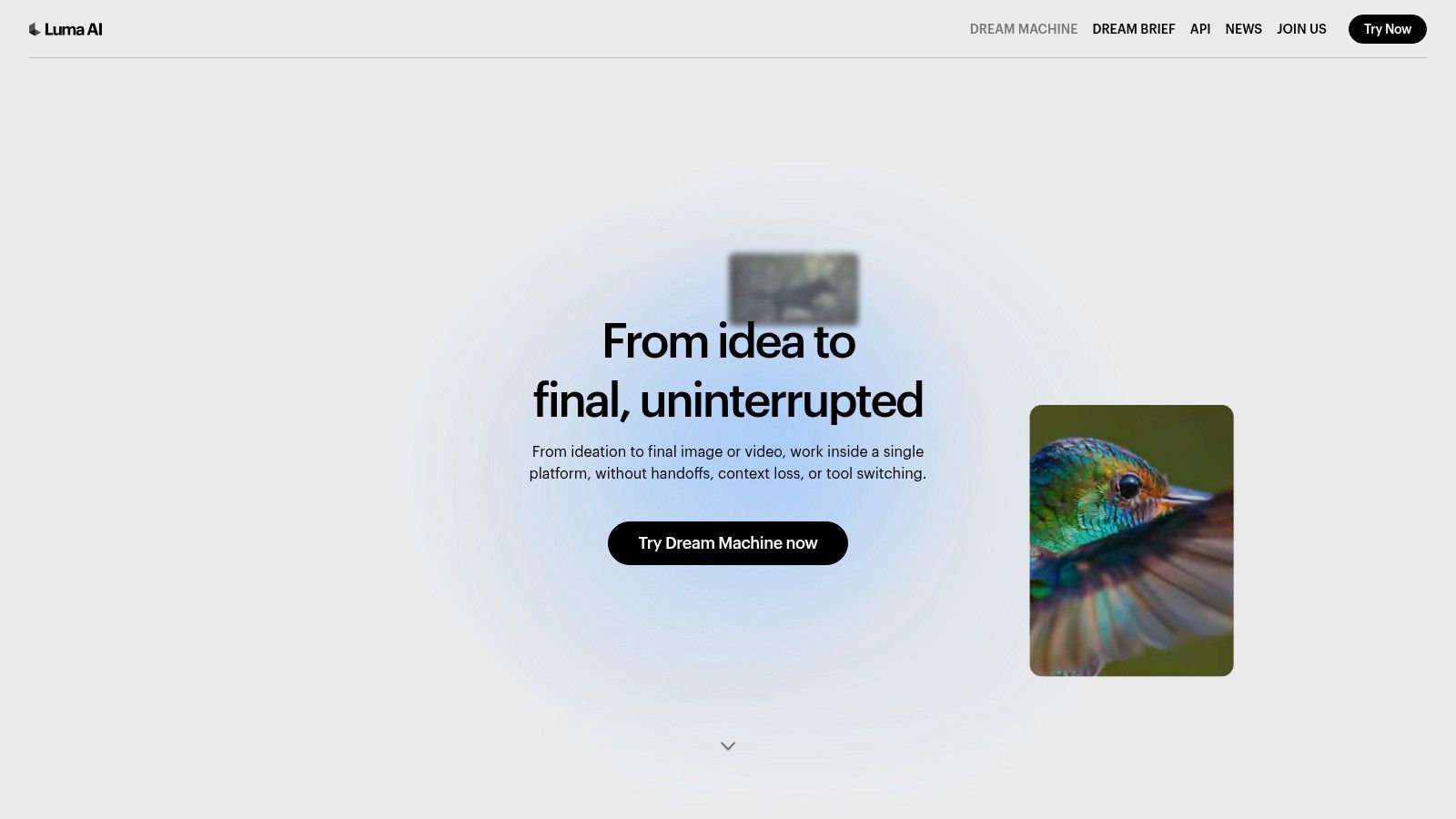
Generations max out at 5-10 seconds, but you can upscale to 4K and use HDR tiers for professional-grade output. There's also a "draft" mode for fast, cheaper iterations before committing to a high-fidelity render. The free tier is limited, so plan to subscribe if you're doing serious work.
Key Features
- Ray model family: Switch between models and modes (draft vs. high-fidelity) based on your needs.
- Physics-aware motion: Objects interact with weight, momentum, and gravity realistically.
- 4K and HDR output: Professional-grade resolution for polished final clips.
| Pros | Cons |
|---|---|
| Most realistic object/character motion of any generator. | Free tier is very limited. |
| Draft mode saves credits during iteration. | Max 5-10 seconds per generation. |
| Clean credit-based pricing. | Watermarks on lower tiers. |
Best for: Animators, VFX artists, and agencies creating short clips where believable physics and character motion matter most.
Website: lumalabs.ai/dream-machine
4. FlowShorts
Best for: Fully automated short-form video posting
FlowShorts takes a fundamentally different approach from the other tools on this list. Instead of generating clips you then edit and upload manually, it runs the entire pipeline: script writing, visual assembly, AI voiceover, captions, and auto-posting to YouTube Shorts, TikTok, and Instagram Reels. You connect your accounts, pick a niche (finance, history, motivation, etc.), set a schedule, and the system handles the rest.
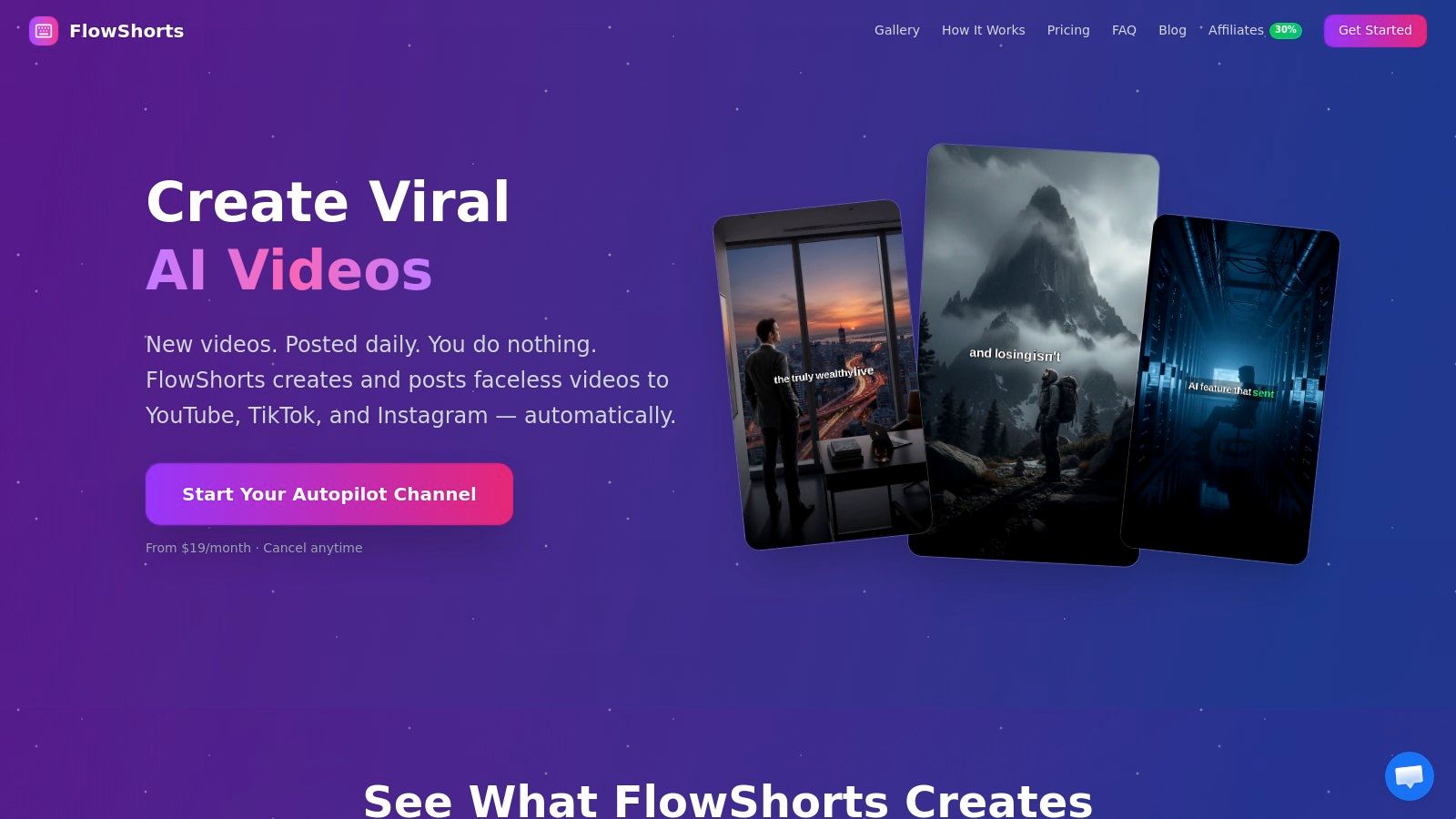
This makes it a fit for creators and side-hustlers who want consistent channel activity without spending hours per video. The tradeoff is creative control. You're not directing individual scenes or picking footage. The AI does that. If your goal is "grow my channels while I focus on other things," FlowShorts is built for that. If you want to art-direct every frame, look at Runway or VEED instead. You can also use it specifically as a TikTok video generator.
Pricing
| Plan | Price/mo | Videos/mo | Best for |
|---|---|---|---|
| Starter | $19 | 8 (2/week) | Testing a new channel |
| Creator | $39 | 30 (1/day) | Daily posting cadence |
| Pro | $69 | 60 (2/day) | High-volume content |
| Pros | Cons |
|---|---|
| Truly hands-off: script to published post, zero manual steps. | Limited creative control over individual scenes. |
| Keeps channels active daily, which algorithms reward. | Stock-footage-based visuals may feel generic for some brands. |
| Posts to YouTube, TikTok, and Instagram from one dashboard. | Scripts on technical topics may need a quick accuracy check. |
Best for: Solopreneurs, side-hustlers, and marketers who want daily short-form content posted automatically across platforms.
Create Faceless Videos on Autopilot
FlowShorts generates and posts AI videos to YouTube, TikTok & Instagram while you sleep.
Try FlowShorts Free →Website: flowshorts.app
5. Synthesia
Best for: Corporate training and avatar-based video at scale
Synthesia turns scripts into polished, presenter-led videos using AI avatars. No cameras, no microphones, no studio. It's the go-to for L&D teams, HR departments, and marketing groups that need to produce training modules, product explainers, or localized content across regions.
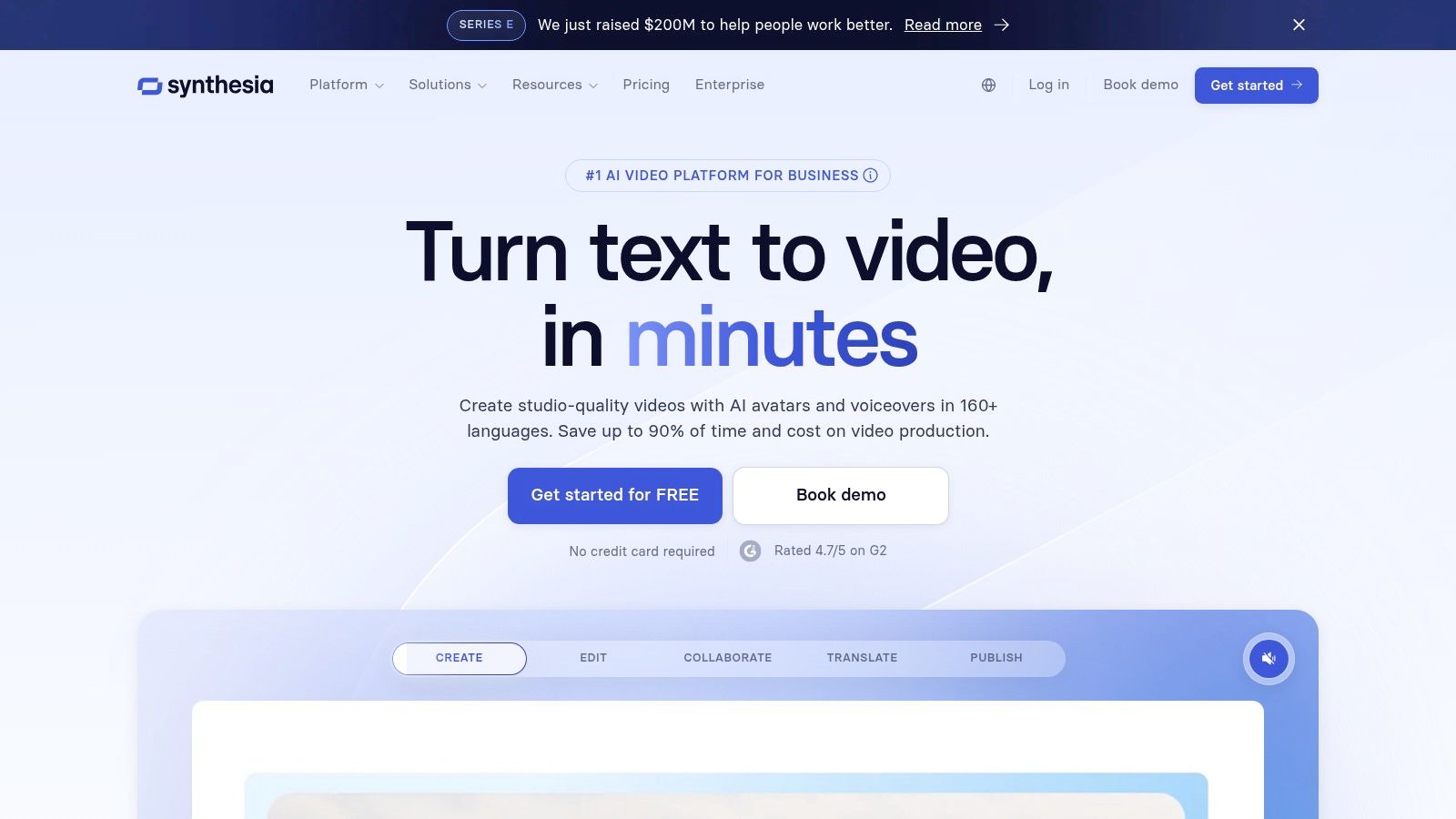
The platform offers 160+ stock avatars, voice cloning, and video generation in over 125 languages. It also carries SOC 2 compliance, which matters for enterprise buyers. The main limitation: it's built for talking-head and explainer formats, not cinematic or creative video generation.
Key Features
- 160+ AI avatars: Stock avatars plus the option to create a custom digital twin.
- 125+ languages: Generate video and voiceover in dozens of languages with voice cloning.
- Enterprise security: SOC 2 compliance, SSO, and team management features.
| Pros | Cons |
|---|---|
| Strong localization and large avatar library. | Avatar realism varies by use case. |
| Enterprise-ready security and compliance. | Custom avatars and add-ons increase cost. |
| Clear credit system tied to video minutes. | Not built for creative or cinematic video. |
Best for: Corporate trainers, HR teams, and marketing departments creating training videos, product explainers, and localized content.
Website: synthesia.io
6. HeyGen
Best for: Multilingual avatar videos and dubbing
HeyGen competes directly with Synthesia in the avatar video space but differentiates with a larger avatar library (500-700+) and stronger dubbing features. It supports 175+ languages and dialects, and its translation pipeline is fast enough for teams localizing campaigns across multiple markets at once.
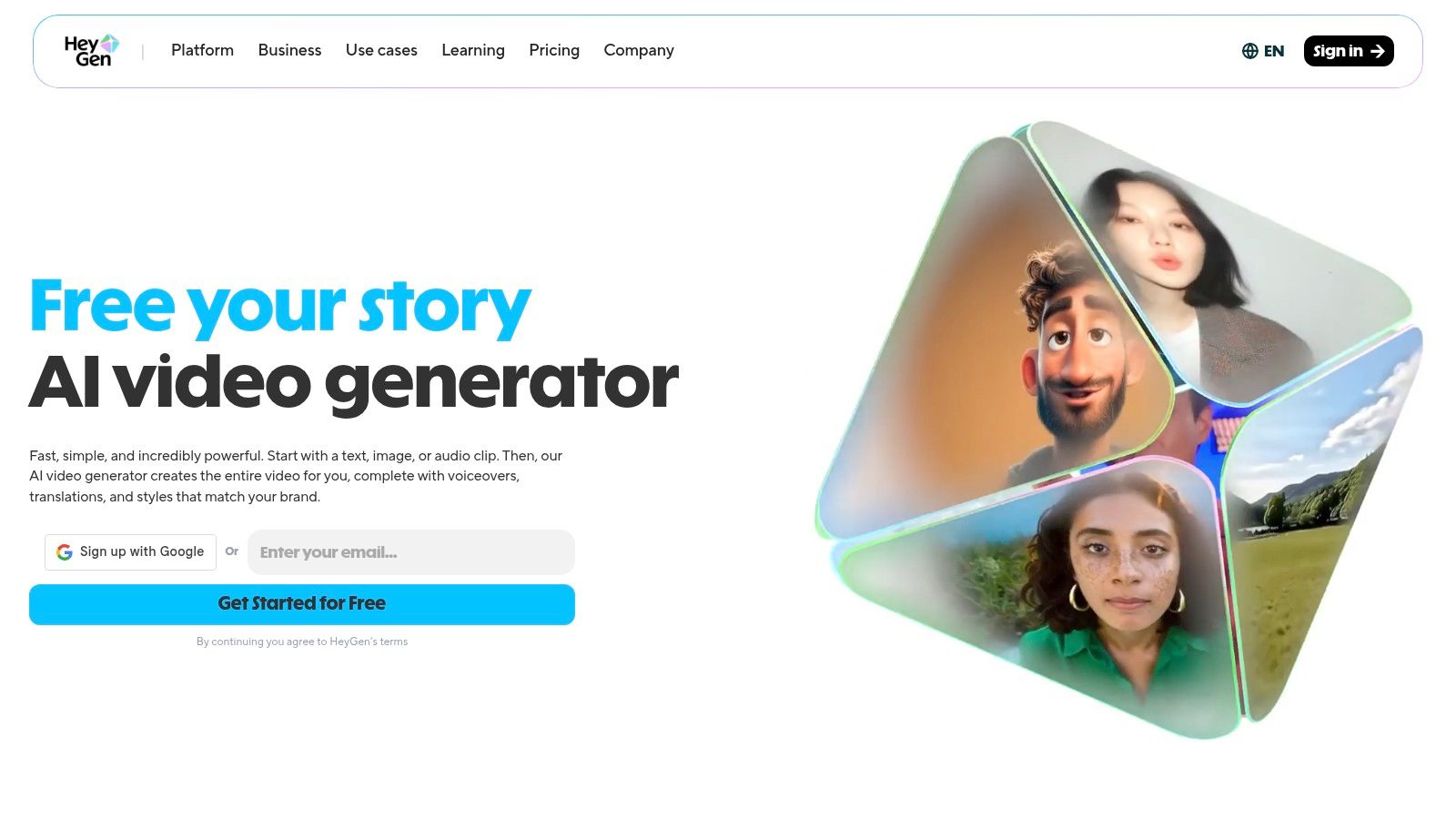
Individual paid plans include unlimited avatar videos, which is unusual in this category. Team and enterprise tiers add brand kits, SCORM support for e-learning, and API access. The interface is straightforward: pick an avatar, paste your script, choose a language, and export up to 4K.
Key Features
- 500-700+ avatars: Stock avatars plus custom avatar creation.
- 175+ language dubbing: Translate and dub existing videos quickly.
- Team tools: Brand kits, SCORM support, collaboration features, and API access.
| Pros | Cons |
|---|---|
| Unlimited avatar videos on individual paid plans. | Advanced features gated by generative credits. |
| Fast, accurate dubbing pipeline. | Free plan exports have watermarks. |
| Clear upgrade path from solo to team. | Custom avatars require a paid plan. |
Best for: Marketing teams and creators producing multilingual presenter-led videos for sales outreach, explainers, and e-learning.
Website: heygen.com
7. InVideo AI
Best for: Editable AI-generated drafts with model flexibility
InVideo AI works differently from most generators. Instead of building its own video model, it plugs into third-party models like WAN 2.5 and Veo 3.1, letting you choose the engine that best fits your project. Want speed? Pick one model. Want maximum quality? Pick another. This flexibility is rare.
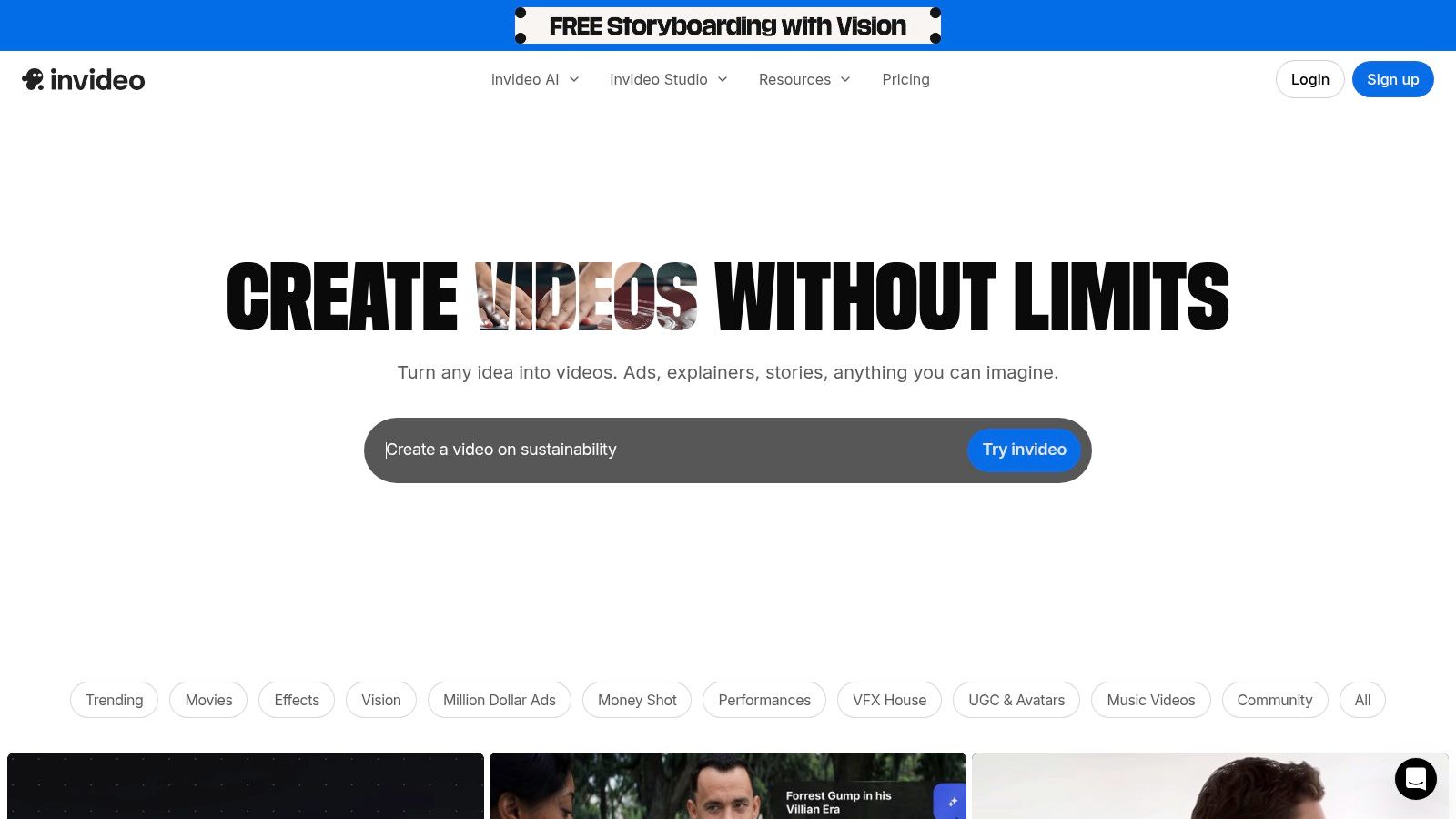
The other big selling point: editability. InVideo AI generates a full first draft from your prompt, then lets you swap individual scenes, edit the script, or change voiceovers without regenerating the whole thing. For ads, explainers, and branded content that needs to be precise, that post-generation control is a major advantage.
Key Features
- Multi-model access: Choose from different AI video models to balance quality, speed, and cost.
- Editable drafts: Modify script, scenes, and voiceover after initial generation.
- Stock media integration: Access stock footage and optional premium iStock assets.
| Pros | Cons |
|---|---|
| Post-generation editing saves time on revisions. | Credit and minute math can be confusing. |
| Model choice gives real cost/quality flexibility. | Free plan has watermarks and tight limits. |
| Good free tier for initial testing. | Interface can feel cluttered with options. |
Best for: Marketers and content creators making ads, explainers, or branded videos who need to fine-tune the output after generation.
Website: invideo.io
8. VEED
Best for: Teams that need editing, generation, and publishing in one place
VEED combines a traditional video editor with an "AI Playground" that gives you access to multiple generation models (Veo, Kling, and others) from a single interface. You can generate a clip, add subtitles, record a voiceover, and publish to social channels without switching tools.
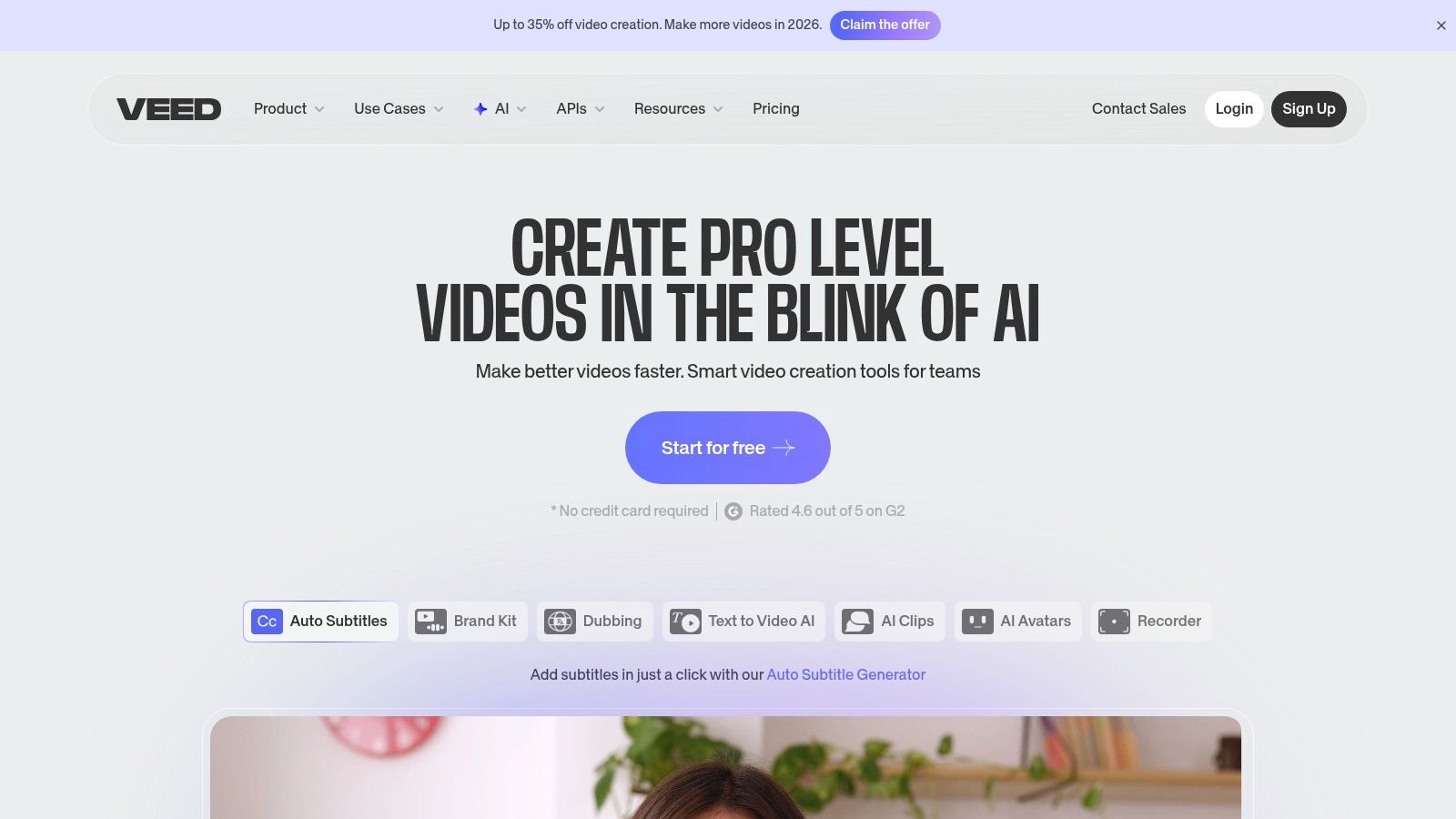
The credit system previews the exact cost before each generation, which helps teams manage their budget. VEED isn't a pure AI generator; it's an editor with AI built in. That's a strength if your workflow involves both creation and post-production. It's a weakness if you just want raw generation power.
Key Features
- AI Playground: Access multiple text-to-video and image-to-video models from one dashboard.
- Cost preview: See exact credit costs before generating.
- Built-in publishing: Hosting, team collaboration, and direct social media posting.
| Pros | Cons |
|---|---|
| One UI for multiple generation models. | Pricing is unclear until you sign up. |
| Useful cost preview before each generation. | Unused monthly credits expire. |
| Strong subtitling, translation, and publishing tools. | More editor than generator; not for pure AI output. |
Best for: Social media teams that need to generate, edit, subtitle, and publish video from a single platform.
Website: veed.io
9. Kapwing AI Studio
Create Faceless Videos on Autopilot
FlowShorts generates and posts AI videos to YouTube, TikTok & Instagram while you sleep.
Try FlowShorts Free →Best for: Collaborative short-form content creation
Kapwing is a browser-based video editor with built-in AI generation. Its standout is "Kai," a generative chat where you describe what you want and the AI creates or edits scenes. Add auto-subtitles, AI dubbing, and content repurposing tools, and you've got a full production toolkit for social content.
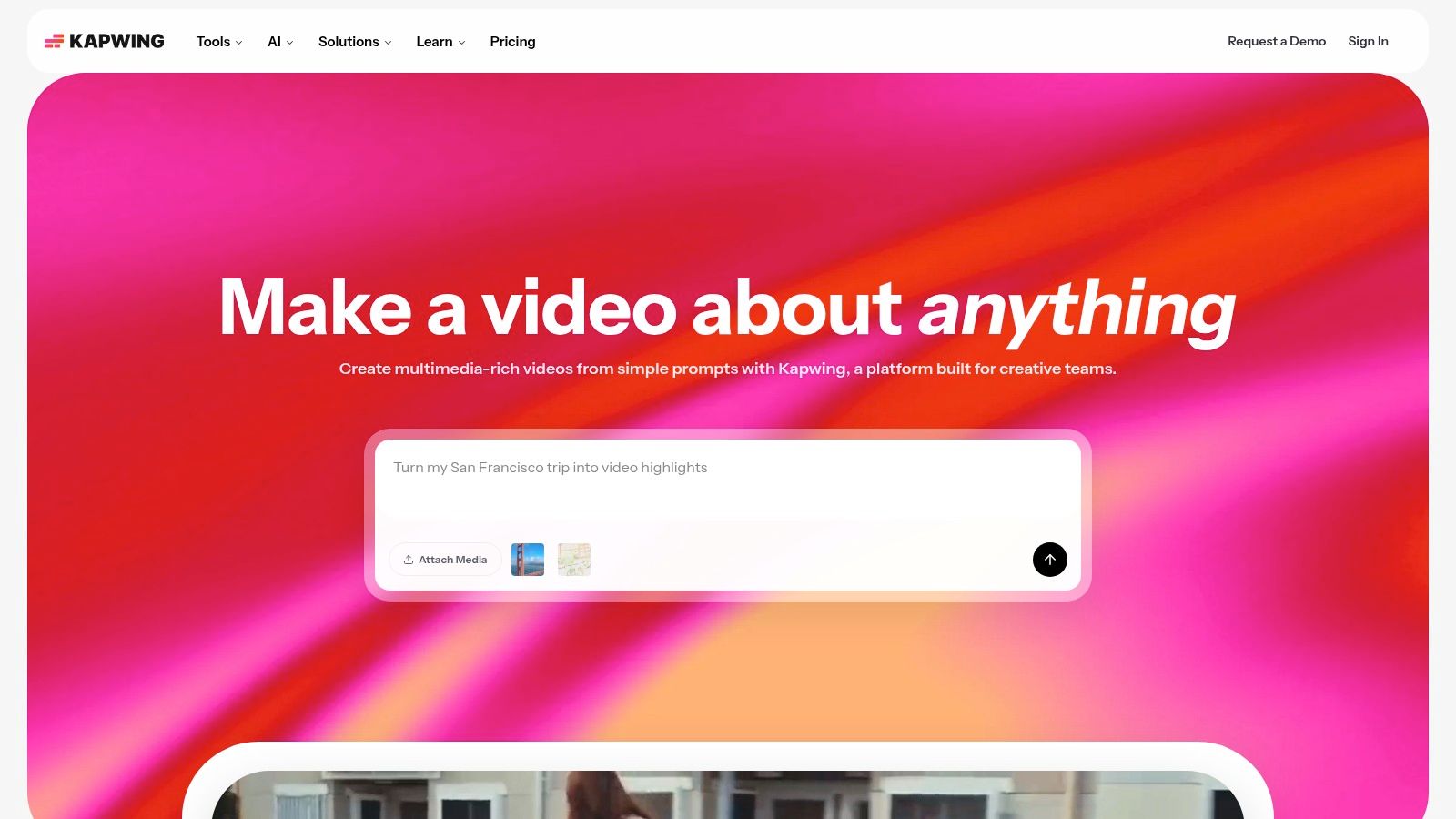
The real differentiator is real-time collaboration. Multiple team members can work in the same project simultaneously, which is valuable for agencies and social teams with fast turnaround requirements. Credit usage is clearly documented per feature.
Key Features
- Kai generative chat: Create and edit scenes using text commands.
- AI toolkit: Text-to-speech, auto-subtitles, dubbing, and content repurposing.
- Real-time collaboration: Multiple editors can work in the same project at once.
| Pros | Cons |
|---|---|
| Built for fast short-form social content. | Heavy AI use burns through credits fast. |
| Clear credit usage documentation. | Free exports have watermarks and time limits. |
| Bundled stock media library. | No advanced cinematic controls. |
Best for: Social media teams and agencies producing TikTok, Reels, and Shorts content collaboratively.
Website: kapwing.com
10. CapCut
Best for: Mobile-first creators who live on TikTok
CapCut started as TikTok's companion editor and has grown into a full content creation platform. Its AI script-to-video feature takes a text prompt and produces a complete video with stock footage, voiceover, music, and subtitles. The template and effects library is enormous, and everything syncs across web, desktop, and mobile.
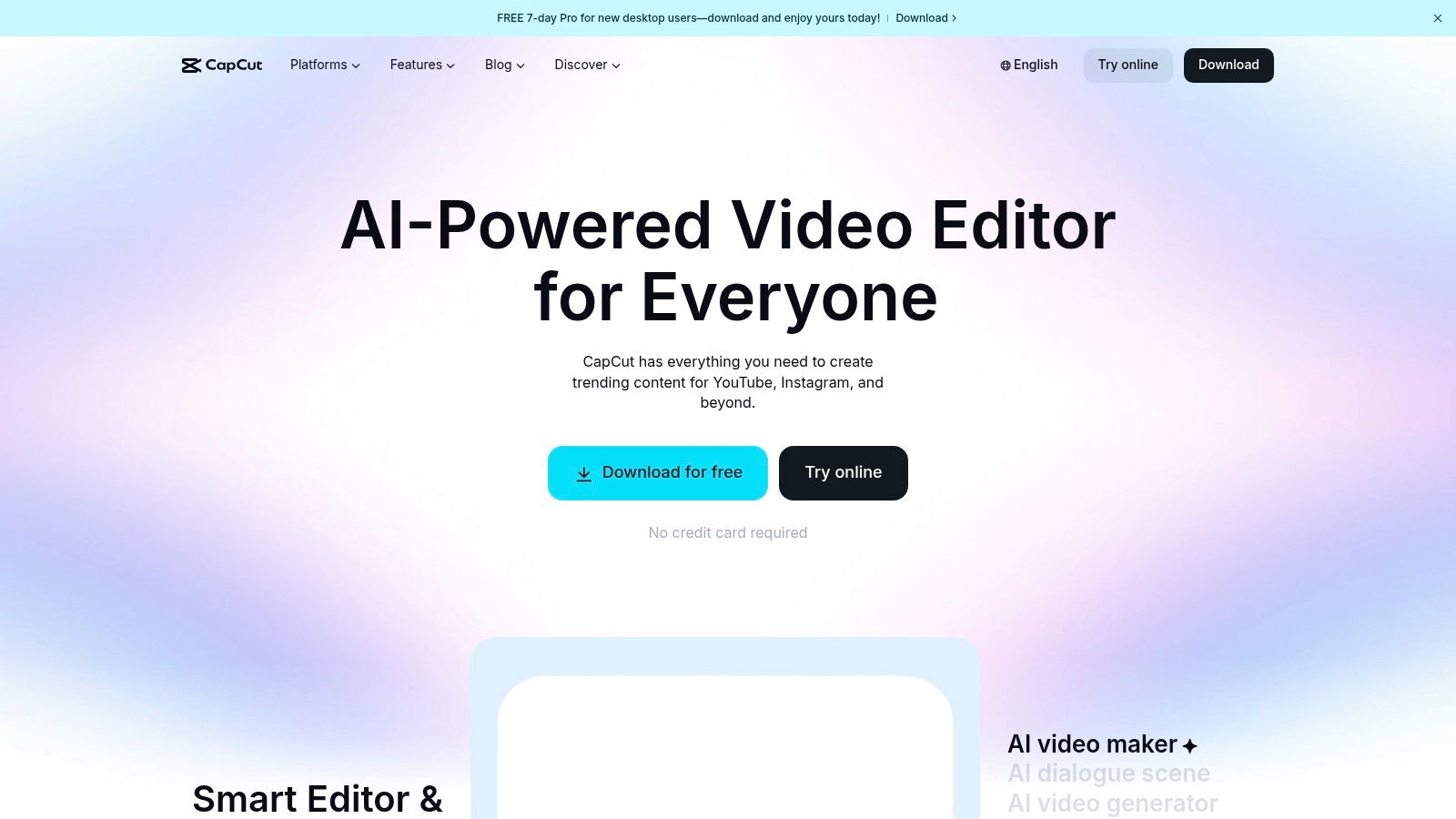
The free tier is generous. Most core editing features are available without paying. Pro unlocks higher resolution exports, premium effects, and some advanced AI tools. If your workflow is mobile-first and TikTok-centric, CapCut is the natural choice.
Key Features
- AI script-to-video: Full videos from text prompts, including footage, voiceover, and captions.
- Massive template library: Thousands of trending templates, effects, and filters.
- Cross-platform sync: Start on mobile, continue on desktop or web.
| Pros | Cons |
|---|---|
| Fast, efficient short-form video production. | Some exports and tools gated behind Pro. |
| Works on web, desktop, and mobile. | Pricing varies by platform and is sometimes promotional. |
| Large community and frequent Pro trials. | AI-generated output can look generic. |
Best for: TikTok creators, social media managers, and anyone who needs high-volume short-form content across devices.
Website: capcut.com
11. Opus Clip
Best for: Turning long videos into viral short clips
Opus Clip doesn't create video from scratch. Instead, it analyzes your existing long-form content (YouTube videos, podcasts, webinars) and identifies the moments most likely to perform well as short clips. It then cuts, reframes to vertical, adds captions, and gives each clip a "virality score."
If you already have a library of long-form content, Opus Clip lets you squeeze more value from it without manual clipping work. The output quality depends heavily on your source material, and it's not useful if you're starting from zero. For a side-by-side look at how it compares to automated generation, see our Opus Clip vs FlowShorts comparison.
Key Features
- AI virality scoring: Predicts which segments from your long-form content will perform best.
- Auto-reframing: Crops horizontal video to vertical with speaker tracking.
- Caption generation: Adds stylized, accurately timed captions.
| Pros | Cons |
|---|---|
| Great for getting more from content you already have. | Requires existing long-form content to work with. |
| Virality scoring helps prioritize the right clips. | Not useful if you're starting a channel from scratch. |
| Saves hours of manual clipping. | Output depends on source material quality. |
Best for: Podcasters, YouTubers, and content marketers repurposing long-form video into short-form clips.
Website: opus.pro
12. Pictory
Best for: Converting written content into video
Pictory takes a text-first approach. Feed it a blog post, script, or article, and it builds a video with stock footage, AI voiceover, and background music. It's particularly useful for content marketers who want to turn their existing written work into a video format without learning video editing.
The platform also handles video summarization (condensing long videos into short highlights) and text-based editing (edit the transcript, and the video updates). If you blog regularly and want to extend each post's reach to YouTube or social media, Pictory makes that straightforward.
Key Features
- Article-to-video: Paste a blog post URL or text and get a video automatically.
- Script-to-video: Write a custom script and generate video with AI voiceover and stock footage.
- Text-based editing: Edit the video by editing its transcript.
| Pros | Cons |
|---|---|
| Best option for turning blog posts into video. | Stock footage can feel generic. |
| Intuitive text-based editing approach. | Less creative control than dedicated editors. |
| Accessible for non-video-editors. | AI voiceover quality varies by language. |
Best for: Bloggers, content marketers, and solopreneurs turning written content into video for YouTube and social media.
Website: pictory.ai
How We Evaluated These Tools
We tested each AI video generator across four dimensions:
- Output quality: Visual clarity, motion smoothness, and audio quality of generated videos. We judged how professional the output looks without manual editing.
- Ease of use: Onboarding flow, interface design, and learning curve. The best tools produced a quality video within minutes of signing up.
- Value for money: Pricing structures, credit systems, and what each tier actually includes. We noted hidden costs, expiring credits, and feature gating.
- Use case fit: Instead of ranking on a single scale, we identified where each tool outperforms the rest. A corporate training tool and a TikTok automation tool solve different problems.
We signed up for free tiers or trials of each platform and ran test generations. Screenshots in this article are from actual platform interfaces.
Choosing the Right Tool
The right AI video generator depends on what you need it to do:
- Want zero effort? FlowShorts handles everything from script to social media posting without manual steps.
- Want creative control? Runway, VEED, or Kapwing give you the most editing power alongside AI generation.
- On a tight budget? Pika and CapCut have strong free tiers. Pika's transparent credits make costs predictable.
- Need professional presenters? Synthesia and HeyGen lead the AI avatar space for corporate and educational video.
- Already have long-form content? Opus Clip and Pictory help you repurpose what you've already created.
Start with whichever tool's free tier matches your use case. Most platforms give you enough free credits to judge output quality before paying.
For a step-by-step look at building an automated content workflow, check out our guide on how to automate your YouTube channel.
Compare These Tools to FlowShorts
Curious how FlowShorts stacks up against other AI video generators mentioned in this article? Check out our detailed comparisons:
More AI Tool Guides
- Best Free AI Video Tools
- Best AI Tools for YouTube
- AI Social Media Content Generator
- AI Explainer Video Guide
- How FlowShorts Works: The AI Pipeline
Related: How to Make AI Cat Videos: Tools, Niches & Monetization
Related: Fliki AI Review: Text-to-Video for Creators (Honest Take)
Explore by niche: AI Video Generator by Niche — find topics, formats, and CPM data for your niche.


