How to Make Faceless YouTube Videos — The Complete Guide (2026)
Learn how to make faceless YouTube videos step by step. Covers niches, AI voiceover, visuals, editing, and automated posting — everything you need to start today.
FlowShorts Team
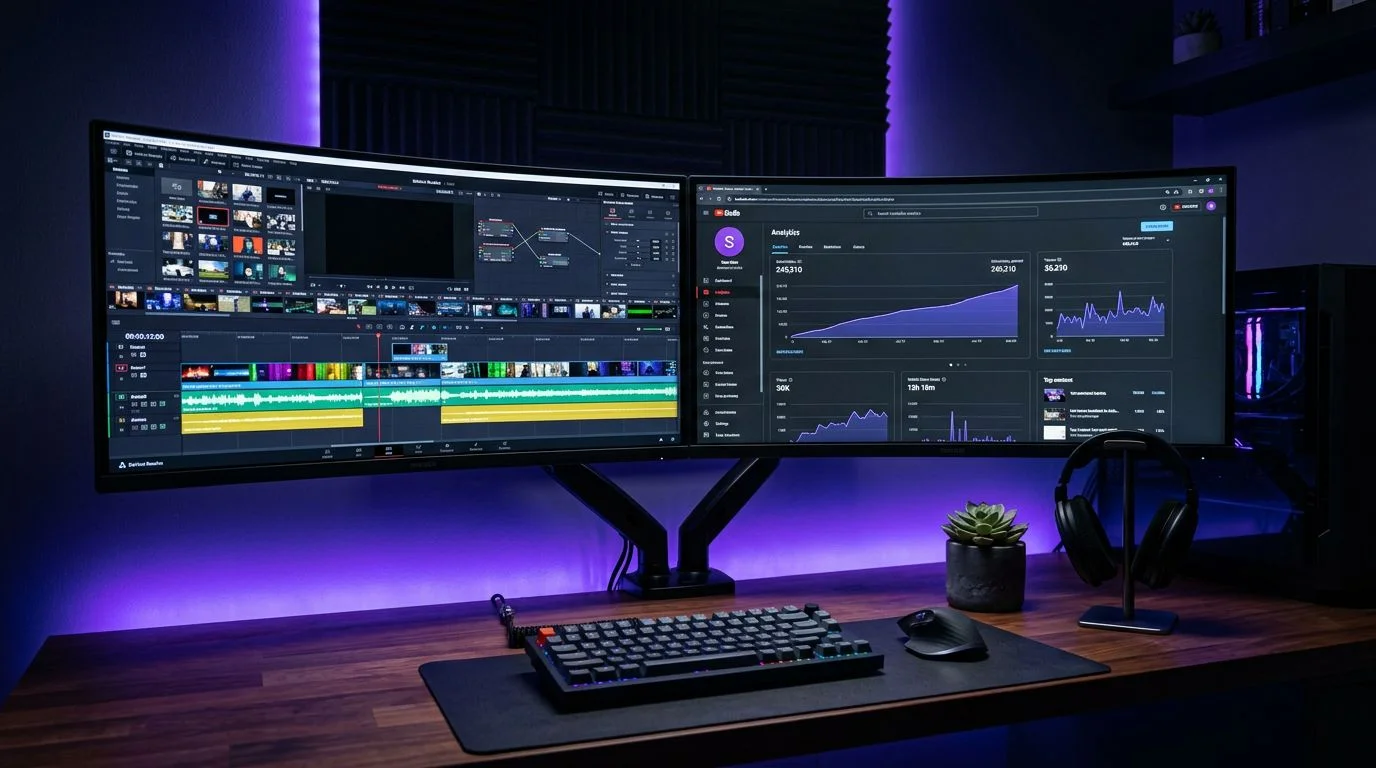
Over 40% of the top 1,000 YouTube channels never show a face. No studio, no camera, no lighting kit. Just scripts, AI voiceover, and visuals assembled by software. These channels pull millions of views per month across niches like motivation, finance, science, and horror — and most viewers never notice (or care) that there's no one on screen.
If you've been thinking about starting a YouTube channel but don't want to be on camera, this is your playbook. This guide covers exactly how to make faceless YouTube videos — from picking a niche to publishing your first video today. No theory. Just the steps, the tools, and the numbers.
Whether you're building a side income or replacing your 9-5, the faceless format gives you one structural advantage that on-camera creators don't have: every single production step can be automated with AI.
What Are Faceless YouTube Videos?
Faceless YouTube videos are any videos where the creator doesn't appear on screen. The content relies on other visual formats to deliver value and hold attention:
- AI voiceover + stock footage — A narrator speaks over cinematic clips. Dominant in motivation, history, and psychology niches.
- AI-generated visuals — Custom imagery created by tools like Midjourney or DALL-E, paired with narration. Popular in philosophy, stoicism, and science.
- Screen recordings — Software tutorials, app walkthroughs, and coding content. The creator's screen is the star.
- Text-on-screen — Bold text overlays with background music. Common in quote channels and Reddit story compilations.
- Data visualizations and motion graphics — Charts, infographics, and animated explainers. Used in finance, business, and education.
The key distinction: faceless doesn't mean personality-less. The best faceless channels have a recognizable voice, editorial angle, and visual brand. The creator's face just isn't part of the equation.
Why Faceless Videos Are Dominating YouTube in 2026
This isn't a trend. Faceless content is a production model with structural advantages over on-camera formats. Here's why it's winning:
AI tools have matured. In 2024, AI-generated voiceover still sounded robotic. In 2026, tools like ElevenLabs and the TTS engine built into FlowShorts produce voices indistinguishable from human narrators. AI visuals, scripts, and captions have reached the same inflection point. The entire production pipeline can be automated.
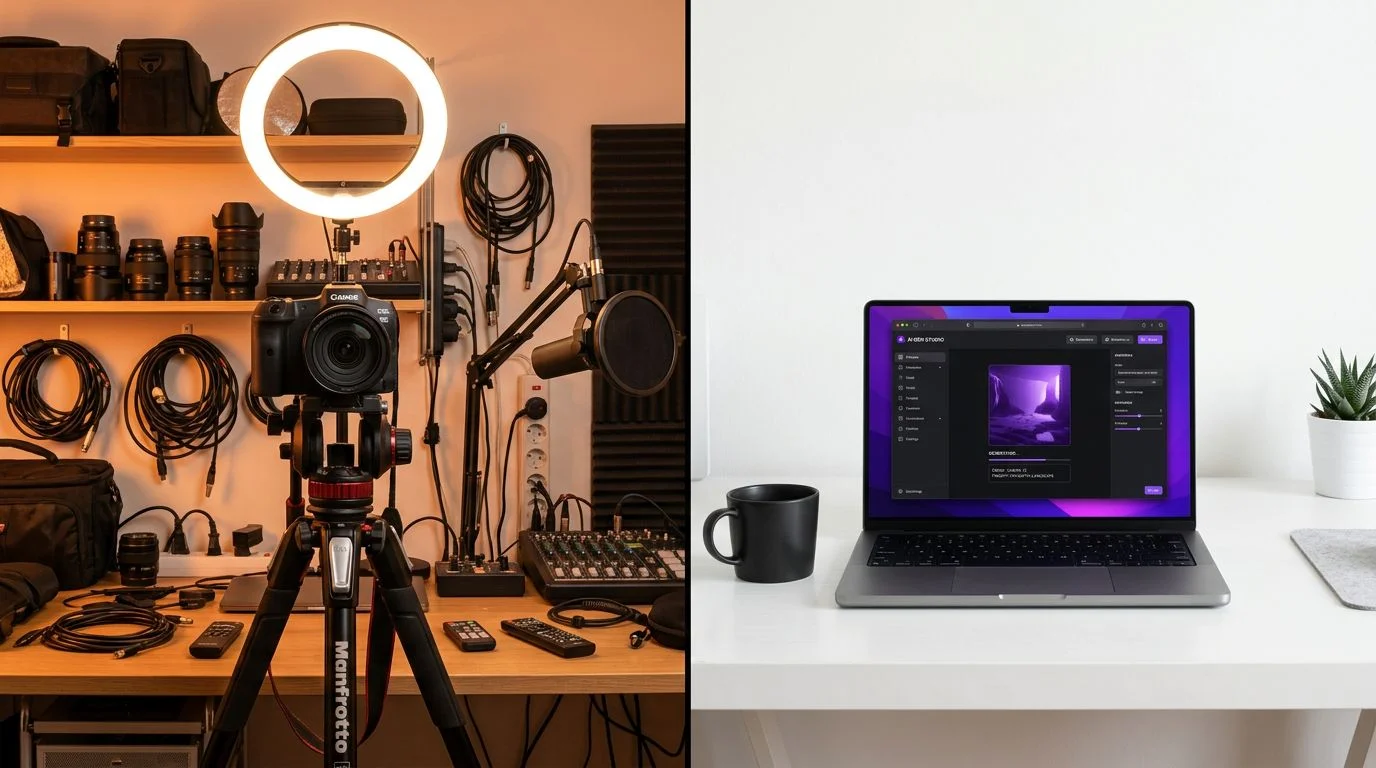
Production costs are near zero. An on-camera creator needs a camera ($500+), lighting ($100-300), microphone ($100+), and a recording space. A faceless creator needs a laptop and a $19/month subscription to FlowShorts. Production costs run 80-90% lower.
You can batch-produce content. Without filming sessions, a faceless creator can produce 10-20 videos in a single sitting. FlowShorts lets you generate an entire week's content in under an hour. Try doing that with a camera setup.
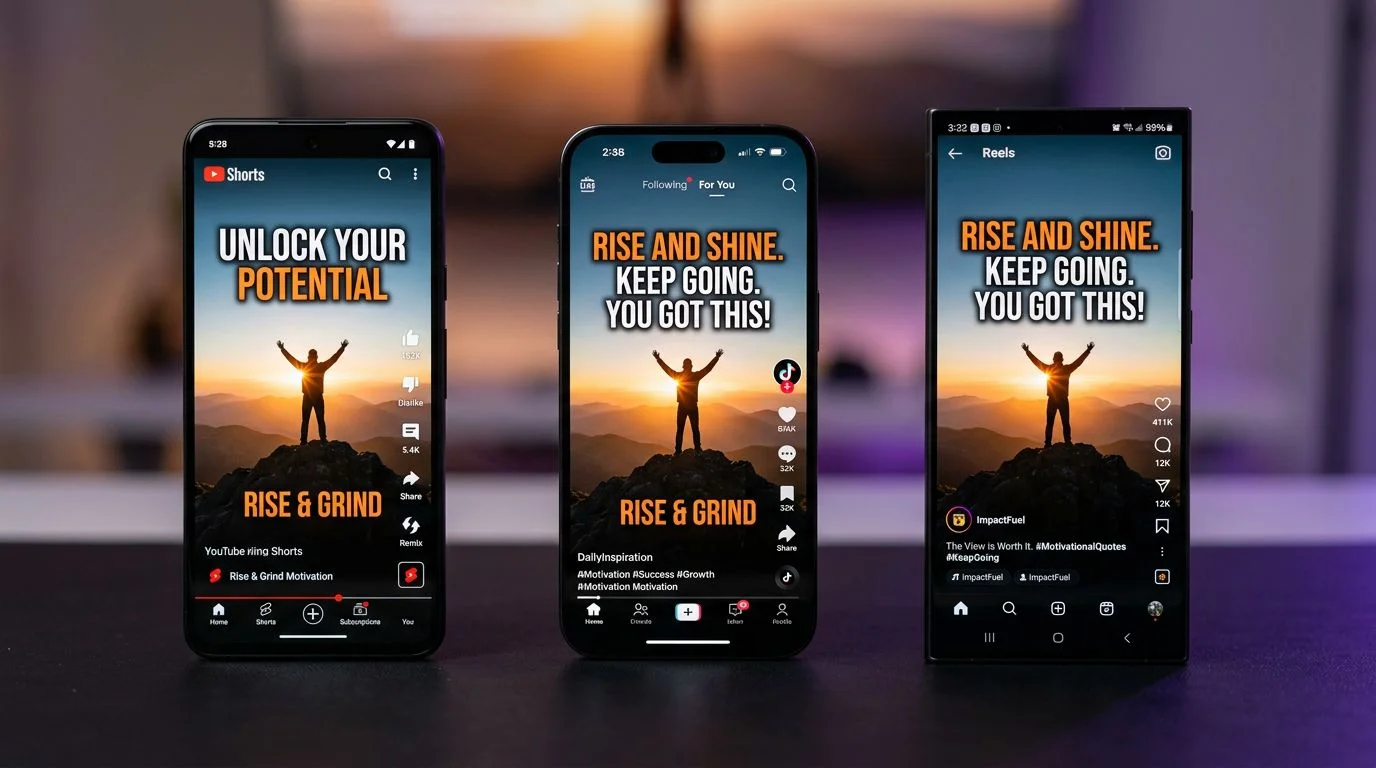
Multi-platform posting is effortless. The same faceless video works on YouTube Shorts, TikTok, and Instagram Reels without any modifications. On-camera creators often need to re-shoot or re-edit for each platform. Faceless creators post once and distribute everywhere.
Privacy stays intact. No public persona. No parasocial pressure. No appearance-based harassment. You build income without building internet fame — and you can sell the channel later because it's not tied to your face.
Step-by-Step: How to Make Faceless YouTube Videos
Here's the exact process, from zero to published video. Each step includes both the manual (free/cheap) approach and the automated approach using FlowShorts.
Step 1: Pick a Profitable Niche
Your niche determines your CPM (revenue per 1,000 views), your competition level, and your content strategy. Not all niches work equally well for faceless content.
The highest-CPM faceless niches:
- Finance & Money — $8-20 CPM. Beginner investing, saving hacks, money mistakes.
- Business & Entrepreneurship — $6-15 CPM. Startup stories, side hustle breakdowns.
- Technology & AI — $5-15 CPM. AI tool reviews, hidden phone features, future tech.
- Stoicism — $4-10 CPM. Marcus Aurelius quotes, stoic rules, ancient wisdom.
The easiest faceless niches to start:
- Motivation — Easy difficulty, steady growth, unlimited content supply.
- Horror & Creepy Stories — Easy difficulty, highest average watch time of any short-form niche.
- Education & Did You Know — Easy difficulty, broadest potential audience.
Use the FlowShorts AI Niche Finder to get personalized niche recommendations based on your interests and revenue goals. Or browse our complete guide to how to start a faceless YouTube channel with detailed breakdowns for 15 niches.
Step 2: Write or Generate Your Script
The script is the backbone of every faceless video. A weak script means a weak video — no amount of good visuals or voice quality will save it.
What makes a good faceless video script:
- A hook in the first 2 seconds that stops the scroll
- Short sentences written for speech, not reading
- One clear topic or takeaway per video
- 130-150 words for a 60-second Short (natural narration pace)
- A call to action or open question at the end
Manual approach: Write scripts yourself. Use the free FlowShorts Script Generator to get AI-written scripts you can edit and customize.
Automated approach: FlowShorts generates optimized scripts based on your niche, trained on viral hook patterns and retention data. You can review and edit before generating the video, or let it run fully automated.
Step 3: Choose an AI Voiceover
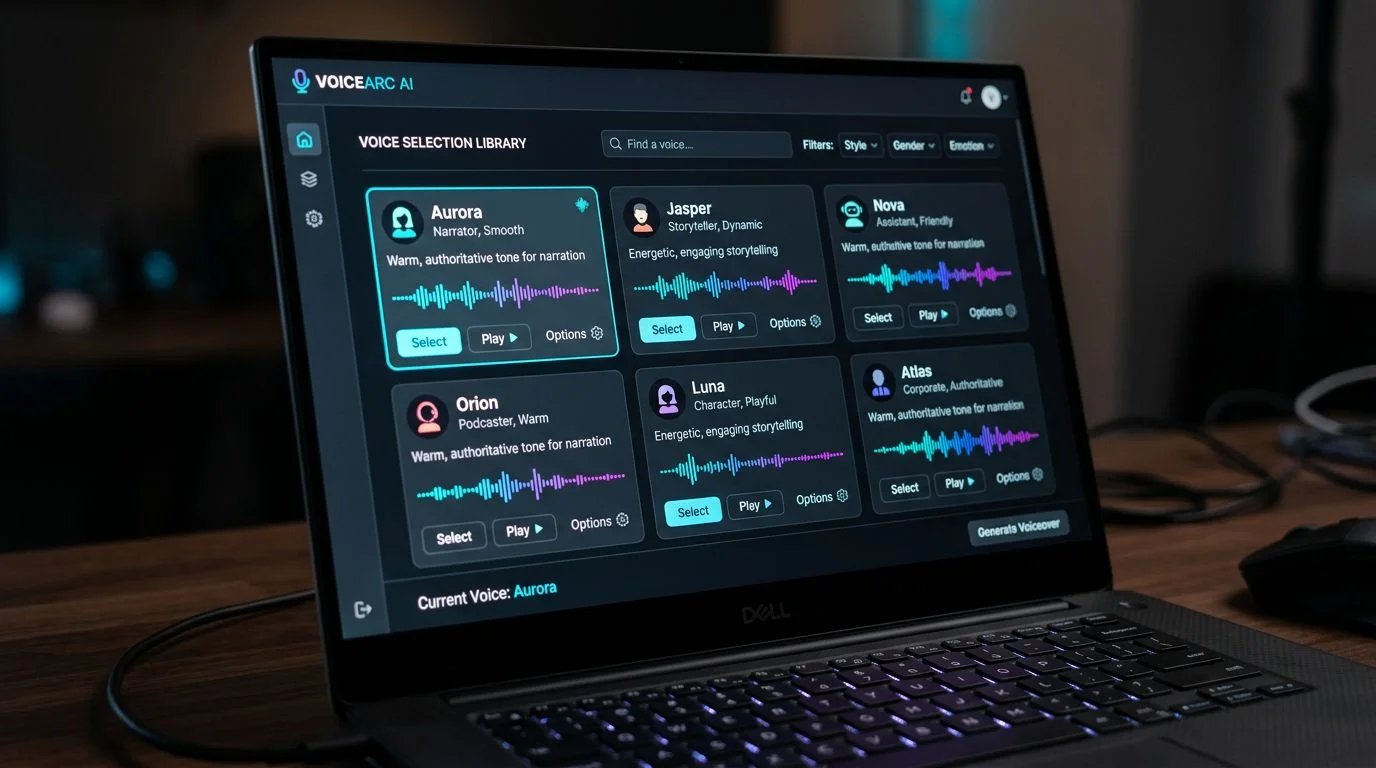
Voice quality directly impacts watch time. Modern AI voices are indistinguishable from human narrators when configured correctly. Pick a voice that matches your niche's tone:
- Motivation / Stoicism: Deep, measured, authoritative
- Finance / Business: Clear, confident, professional
- Horror / Mystery: Suspenseful, deliberate, slightly hushed
- Science / Education: Curious, articulate, engaging
- Tech / AI Tools: Modern, energetic, fast-paced
Create Faceless Videos on Autopilot
FlowShorts generates and posts AI videos to YouTube, TikTok & Instagram while you sleep.
Try FlowShorts Free →Manual approach: Use ElevenLabs (free tier: 10,000 characters/month). Paste your script, select a voice, download the .mp3 file.
Automated approach: FlowShorts includes a built-in TTS engine powered by ElevenLabs. Select your voice once — it stays consistent across every video. No separate tool, no file downloads, no manual syncing.
Critical rule: Pick one voice and never change it. Viewers build familiarity with your channel's voice the same way they recognize a podcast host. Inconsistent voices kill brand recognition.
Step 4: Create or Source Your Visuals
Faceless videos need visuals that hold attention without a face. Your options, ranked by quality and effort:
- AI-generated imagery — Use FlowShorts (generates matching visuals automatically), Midjourney, or DALL-E to create custom images for each scene. Highest quality, most unique.
- Stock footage — Pexels, Pixabay, and Storyblocks offer free and paid clips. Good for nature, urban, and lifestyle B-roll.
- Screen recordings — Best for tutorials, software reviews, and app walkthroughs. Use OBS (free) to record.
- Motion graphics — Canva and After Effects create animated text, charts, and infographics. Best for finance and education niches.
Automated approach: FlowShorts matches visuals to each line of the script automatically. You don't source, download, or sync anything — the AI reads the script and generates scene-appropriate imagery in real time.
Step 5: Edit and Assemble the Video
Manual approach: Import your voiceover audio and visuals into CapCut (free) or DaVinci Resolve (free). Sync the audio to visuals, add transitions, and export in 9:16 format (1080×1920) for Shorts.
Automated approach: Skip this step entirely. FlowShorts assembles the final video automatically — script, voiceover, visuals, transitions, and captions are rendered into a finished video ready to post. No video editor required.
If you're editing manually, keep transitions simple. Quick cuts between scenes work better than flashy effects for short-form content. Match visual changes to narration beats — when the script moves to a new point, the visual should change too.
Step 6: Add Captions and Optimize for Vertical
Captions aren't optional. Over 80% of social media video is watched without sound initially — captions are what make viewers turn the sound on or keep watching on mute.
- Use bold, centered captions with a dark outline for readability
- Highlight key words in a contrasting color (yellow or purple on white text)
- Keep caption text to 2-3 words per screen for maximum readability
- Ensure vertical 9:16 aspect ratio — horizontal video gets crushed in the Shorts feed
Manual approach: CapCut has auto-caption features. Generate captions, adjust styling and timing manually.
Automated approach: FlowShorts generates animated, word-by-word captions automatically. They're styled, timed, and positioned correctly out of the box.
Step 7: Post and Schedule Across Platforms
A faceless video that works on YouTube Shorts works on TikTok and Instagram Reels too. Cross-posting triples your reach with zero additional production work.
Manual approach: Upload to each platform individually. Use YouTube Studio for Shorts, TikTok's web uploader, and Instagram's mobile app. This takes 15-20 minutes per video across three platforms.
Automated approach: FlowShorts connects to your YouTube, TikTok, and Instagram accounts. It auto-posts finished videos on your schedule — daily, twice daily, or whatever cadence you set. You can also use our YouTube Shorts scheduler to optimize posting times for your audience's timezone.
DIY vs. FlowShorts: Time and Cost Comparison
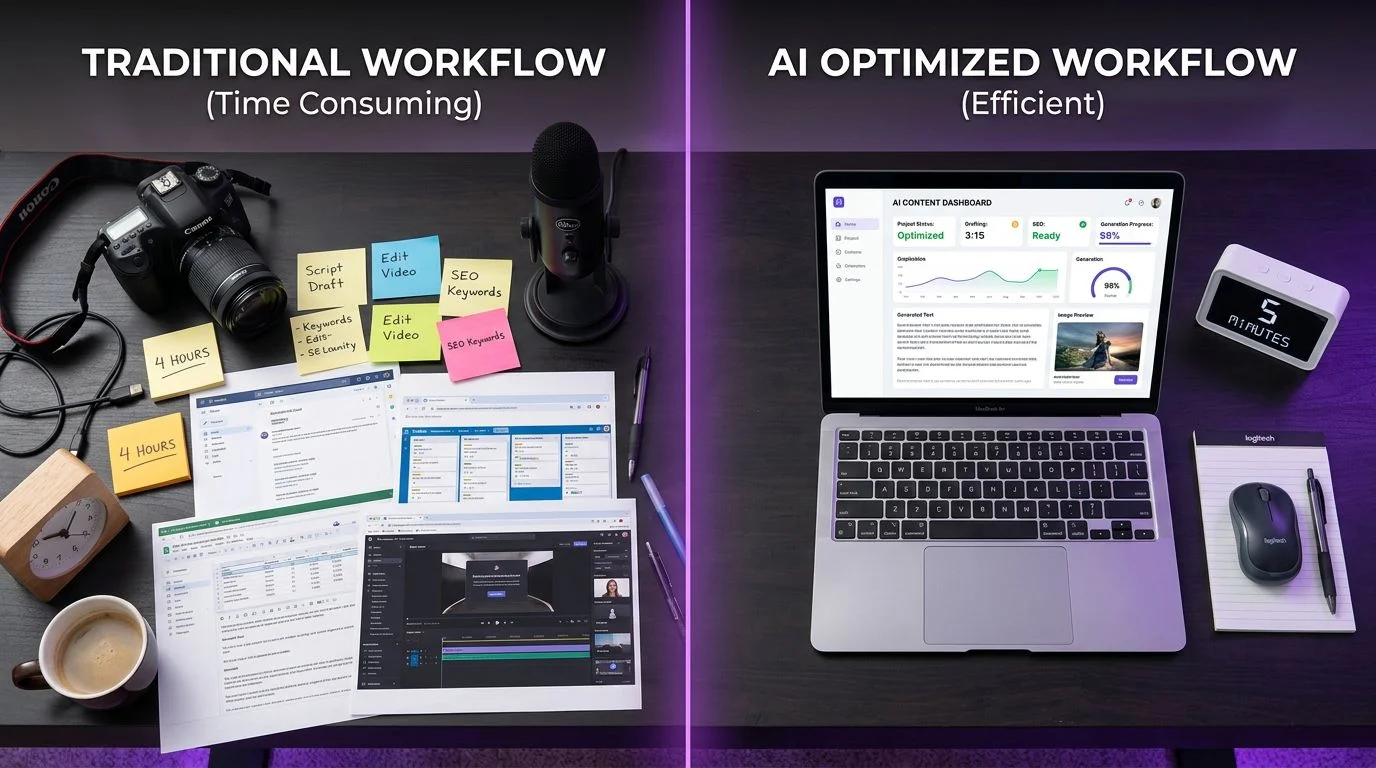
Here's what the two approaches look like side by side when producing a single faceless video:
| Production Step | DIY (Manual) | FlowShorts (Automated) |
|---|---|---|
| Script | Write yourself or use ChatGPT (20-40 min) | AI-generated, niche-optimized (instant) |
| Voiceover | ElevenLabs → download → import (10-15 min) | Built-in TTS, auto-synced (instant) |
| Visuals | Source from Pexels/Midjourney (30-60 min) | AI-generated per scene (instant) |
| Editing | CapCut or DaVinci Resolve (60-120 min) | Auto-assembled with transitions (instant) |
| Captions | Auto-generate + manually adjust (15-20 min) | Animated word-by-word captions (instant) |
| Posting | Upload to 3 platforms manually (15-20 min) | Auto-post to YouTube, TikTok, Instagram |
| Total time per video | 2.5-4.5 hours | Under 5 minutes |
| Monthly cost (daily posting) | $5-50 (ElevenLabs + stock footage) | $19-49/mo (all inclusive) |
The math is straightforward. If you value your time at even $15/hour, the DIY approach costs $37-67 per video in labor alone. FlowShorts costs $0.63-1.63 per video on the Starter plan. The automation pays for itself after your second video of the month.
Best Niches for Faceless YouTube Videos
Not all niches are equal. These are the top-performing niches for faceless YouTube videos in 2026, ranked by revenue potential:
- Finance & Money — $8-20 CPM. Budgeting tips, investing basics, money mistakes. Highest-paying niche for faceless creators.
- Business & Entrepreneurship — $6-15 CPM. Startup stories, side hustles, business failures. Strong B2B advertiser demand.
- AI Tools & Automation — $5-15 CPM. AI tool roundups, productivity hacks. Exploding search volume with new tools launching weekly.
- Technology — $5-15 CPM. Hidden phone features, future tech, gadget lists. Premium tech advertisers.
- Stoicism — $4-10 CPM. Ancient philosophy with modern application. Highly engaged, educated audience. Lower competition than generic motivation.
- Psychology & Human Behavior — $4-10 CPM. Dark psychology, body language, cognitive biases. Extremely high share rates.
- Motivation — $3-8 CPM. Easiest niche to start. Unlimited content supply. Lower CPM offset by high view potential.
- Horror & Creepy Stories — $3-7 CPM. Highest watch time of any short-form niche. Viewers stay hooked through suspense.
Browse all 15 faceless niche guides with step-by-step instructions at How to Start a Faceless YouTube Channel, or explore faceless channel ideas by niche for specific video topic inspiration.
Essential Tools for Faceless YouTube Creators
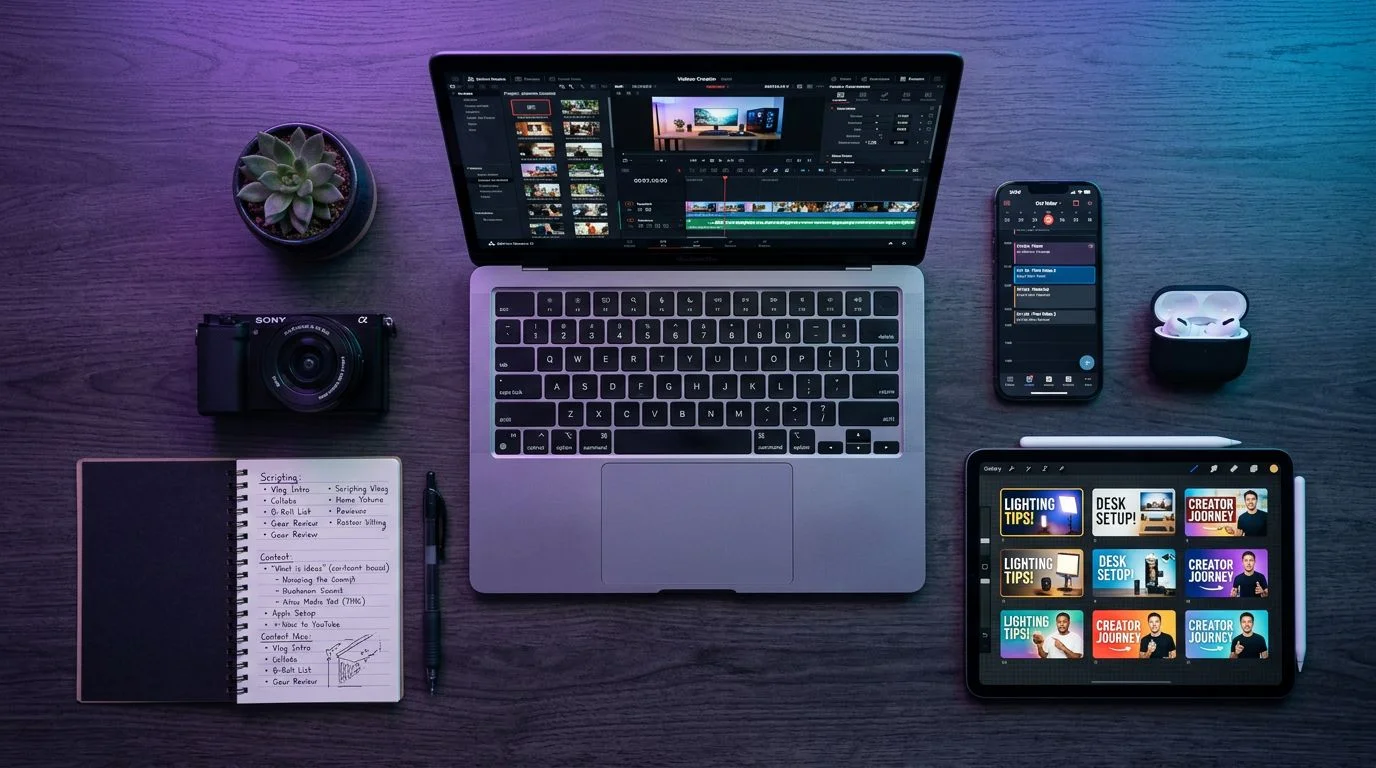
Here's the complete tool stack for making faceless YouTube videos, organized by function:
All-in-One Platform
FlowShorts — Handles the entire pipeline: AI scripts, voiceover, visual generation, captions, editing, and auto-posting to YouTube, TikTok, and Instagram. Starts at $19/month. The only tool most faceless creators need.
Create Faceless Videos on Autopilot
FlowShorts generates and posts AI videos to YouTube, TikTok & Instagram while you sleep.
Try FlowShorts Free →Voiceover (Standalone)
- ElevenLabs — Industry-leading AI voice quality. Free tier with 10,000 characters/month. Best standalone TTS option.
- Murf AI — 200+ voices across 20 languages. Good for multilingual content. $23/month.
Video Editing
- CapCut — Free, beginner-friendly editor with auto-captions. Best free option for Shorts.
- DaVinci Resolve — Free professional-grade editor. More powerful but steeper learning curve.
Thumbnails & Graphics
- Canva — Free tier with YouTube thumbnail templates. Drag-and-drop design for non-designers.
Analytics & SEO
- TubeBuddy — Keyword research, tag suggestions, and A/B thumbnail testing for YouTube.
- VidIQ — Competitor analysis, trending topic alerts, and SEO scoring.
Monetization: How Faceless Channels Make Money
Faceless channels earn through the same revenue streams as on-camera channels. The format does not affect ad rates or monetization eligibility.
YouTube AdSense
The primary revenue source. You need 1,000 subscribers and either 4,000 watch hours or 10 million Shorts views to join the YouTube Partner Program. CPM varies by niche — finance channels earn $8-20 per 1,000 views while motivation channels earn $3-8. Use the YouTube Money Calculator to estimate your revenue potential.
Affiliate Marketing
Recommend products related to your niche and earn commissions on sales. Finance channels promote investing apps (Robinhood, Webull). Tech channels promote software tools. Motivation channels promote books and courses. Commissions typically range from 5-50% depending on the product category.
Digital Products
Sell what your audience needs: budgeting templates (finance), productivity planners (self-improvement), prompt libraries (AI tools), or writing guides (education). Digital products have near-100% margins and scale infinitely.
Sponsorships
Brands pay faceless channels for sponsored segments, typically $500-5,000 per video depending on subscriber count and niche. Finance, tech, and business niches command the highest sponsorship rates because of their high-intent audiences.
5 Common Mistakes to Avoid
Most faceless channels that fail share the same mistakes. Avoid these and you're already ahead of 90% of new creators:
- Inconsistent posting. The algorithm rewards consistency above almost everything else. One video per day beats three videos one week and nothing the next. Use FlowShorts auto-posting to maintain daily cadence without daily effort.
- Choosing the wrong AI voice. A motivational video with a fast, chipper voice feels wrong. A tech review with a slow, somber voice puts viewers to sleep. Match your voice tone to your niche. Test 2-3 voices with your first videos, then commit to one.
- No niche focus. "A little bit of everything" channels don't grow. The algorithm can't categorize you, viewers don't know what to expect, and your content won't appear in niche-specific recommendations. Pick one niche and stay in it for at least 6 months.
- Ignoring thumbnails. Even Shorts need thumbnails — they appear in search results, suggested videos, and channel pages. Use bold text, high contrast, and a consistent style. Canva makes this easy with YouTube thumbnail templates.
- Not cross-posting. A faceless video that works on YouTube Shorts works identically on TikTok and Instagram Reels. Not posting to all three platforms means leaving 60-70% of your potential views on the table. FlowShorts handles this automatically.
Frequently Asked Questions
Can you monetize faceless YouTube videos?
Yes. Faceless videos are fully eligible for the YouTube Partner Program and Shorts ad revenue sharing. You need 1,000 subscribers and either 4,000 watch hours or 10 million Shorts views. The faceless format does not affect CPM rates — niche and audience geography determine what you earn.
Do you need expensive software to make faceless videos?
No. You can start with entirely free tools: CapCut for editing, ElevenLabs free tier for voice, and Pexels for stock footage. If you want to automate everything, FlowShorts starts at $19/month and handles the entire production pipeline — making it cheaper than most individual software subscriptions.
How many faceless videos should you post per day?
One to two Shorts per day is the sweet spot for growth. More than two can dilute quality without proportional reach gains. Consistency matters more than volume — posting one video every day for 90 days beats posting five videos some days and none on others.
Will YouTube demonetize AI-generated content?
YouTube does not ban or demonetize AI-generated content. They require creators to disclose when content uses realistic synthetic media (including AI voiceover) using YouTube Studio's disclosure tool. Thousands of faceless channels use AI voice and earn full ad revenue. The disclosure label does not reduce reach or revenue.
How long until I make money with faceless videos?
With daily Shorts posting, most channels reach the YouTube Partner Program threshold (1,000 subscribers + 10 million Shorts views) in 3-6 months. Niche selection and content quality are the biggest variables. Finance and business niches tend to monetize fastest due to higher engagement rates and premium advertisers.
Start Making Faceless YouTube Videos Today
The barrier to entry has never been lower. AI handles the scripts, the voiceover, the visuals, and the posting. All you need is a niche and the decision to start.
Get started with FlowShorts and generate your first faceless video in under 5 minutes. Pick your niche, review the AI-generated content, and let the platform handle everything from rendering to auto-posting across YouTube, TikTok, and Instagram.
Or start with our free tools: the AI Niche Finder to pick your niche, the Script Generator to write your first script, and the YouTube Money Calculator to estimate your revenue potential.
The faceless creators who started six months ago are already earning. The question isn't whether this model works — it's whether you'll start before the window gets more competitive.
More Faceless YouTube Resources
Continue building your faceless channel with these guides:
- How to Start a Faceless YouTube Channel — Step-by-step guides for 15 niches
- Faceless YouTube Channel Ideas by Niche — 300+ video topic ideas
- AI Niche Finder Tool — Get personalized niche recommendations
- Schedule YouTube Shorts — Optimize your posting schedule


