PDF to Brainrot: How to Turn Any Document Into a Viral Video (2026)
PDF to brainrot turns boring documents — lecture notes, research papers, business reports — into viral TikTok-style videos with AI voiceover and gameplay backgrounds. Here's how it works and the best tools to do it.
FlowShorts Team
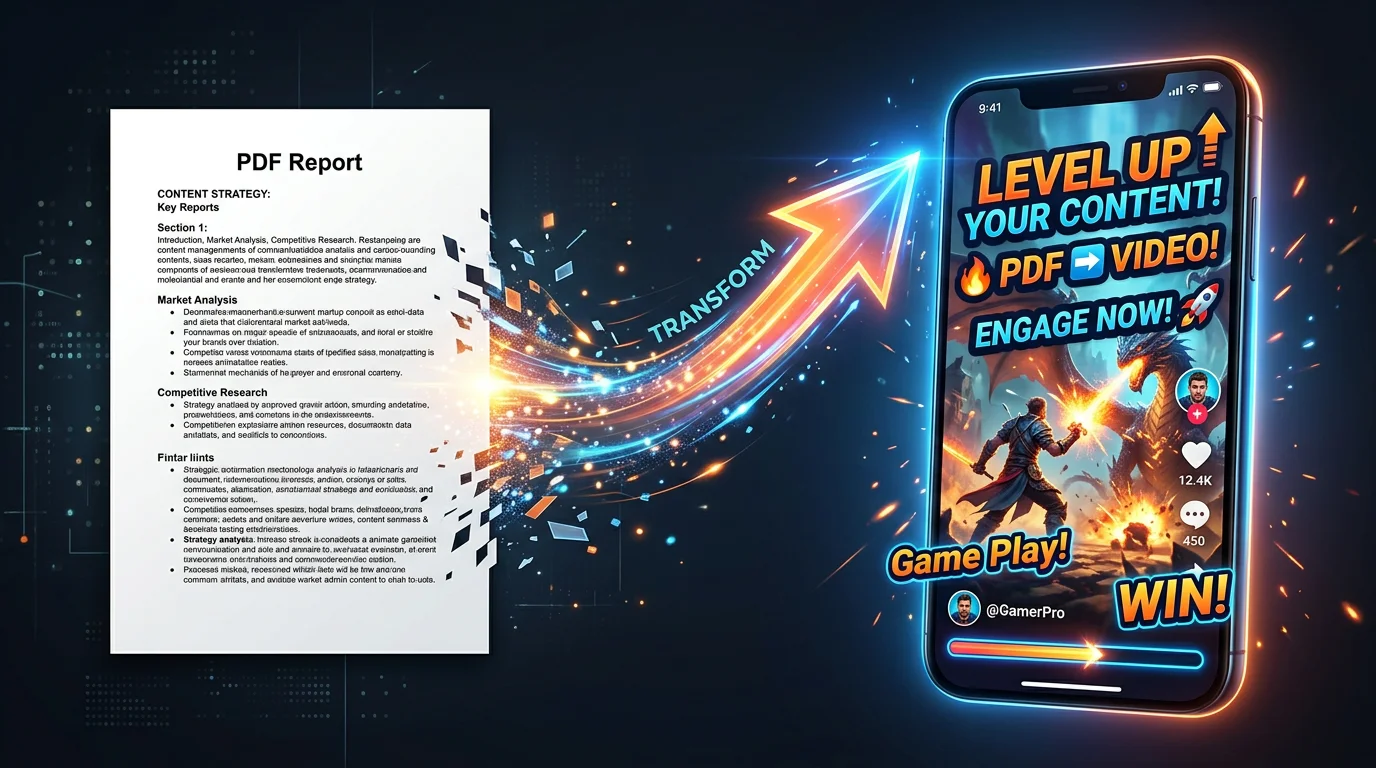
PDF to brainrot is exactly what it sounds like: upload a PDF, and an AI tool converts it into a short-form video with voiceover narration, animated captions, and a gameplay background (Subway Surfers, Minecraft, etc.). The dense, boring document becomes a fast-paced, scroll-stopping TikTok or YouTube Short.
It started as a student hack — turning lecture notes into watchable content — and has become a legitimate content creation strategy. Here's how it works, who's using it, and the best tools available in 2026.
What Is PDF to Brainrot?
"PDF to brainrot" means converting written document content into the brainrot video format: AI voiceover reading the key points, word-by-word animated captions, and hypnotic gameplay footage running in the background. The visual stimulation keeps viewers engaged while the narration delivers the actual information.
The concept works because it solves a real problem: nobody wants to read a 20-page PDF, but everyone will watch a 60-second video that covers the same key points.
Who Uses It?
| User | Use Case | Why It Works |
|---|---|---|
| Students | Turn lecture notes and textbook chapters into study videos | Watch during commute, before exams. Visual + audio reinforces memory better than re-reading. |
| Teachers | Convert lesson plans into engaging student content | Students actually watch a 60s brainrot video. They skip a 10-page handout. |
| Content creators | Repurpose ebooks, blog posts, reports into TikTok/Shorts | Turns existing written content into a new video format without writing new scripts. |
| Marketers | Transform whitepapers and case studies into social content | LinkedIn and TikTok audiences consume the same insights in different formats. |
| Researchers | Share paper findings in accessible format | A 60-second video summary reaches 1000x more people than the full paper. |
Best PDF to Brainrot Tools (2026)
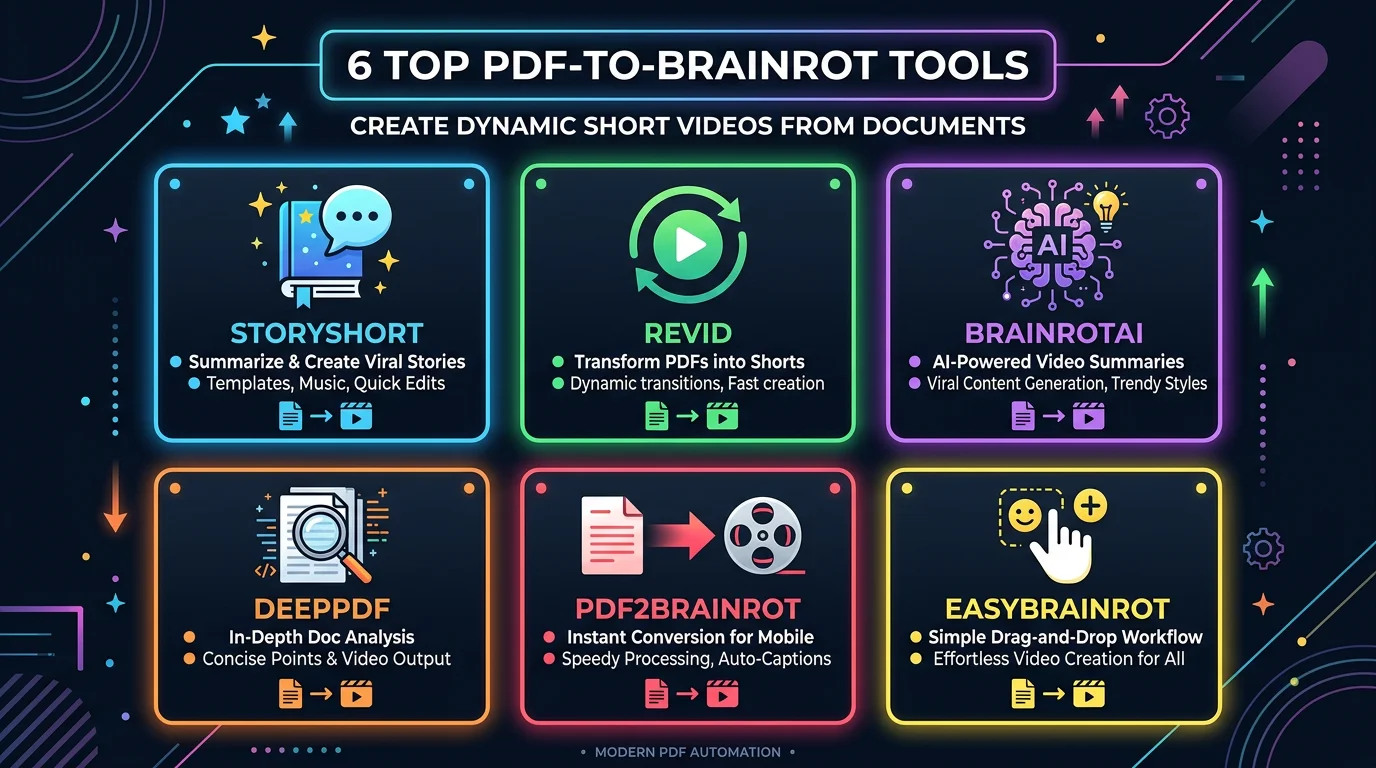
The space has exploded — here are the main options:
| Tool | How It Works | Price | Best For |
|---|---|---|---|
| StoryShort.ai | Upload PDF, AI extracts key points, generates video with gameplay background | Free tier + paid | Longest track record, story-optimized AI |
| ReVid.ai | Paste PDF text or upload file, select style, one-click generate | Free tier + paid | Speed, many background options |
| BrainrotAI.net | Dedicated PDF-to-brainrot tool, minimal setup | Free tier | Simplest interface, built specifically for this |
| DeepPDF.ai | PDF upload with AI extraction and brainrot formatting | Free tier | Good PDF parsing accuracy |
| PDF2Brainrot.io | Free converter focused on student use case | Free | Students on a budget |
| EasyBrainrot.com | Upload PDF, choose gameplay and voice, generate | Free tier | Easy to use, no account required |
Create Faceless Videos on Autopilot
FlowShorts generates and posts AI videos to YouTube, TikTok & Instagram while you sleep.
Try FlowShorts Free →Key differences: StoryShort.ai and ReVid.ai are the most polished and offer the widest range of voices and backgrounds. The dedicated tools (BrainrotAI, DeepPDF, PDF2Brainrot) are simpler but often have fewer customization options.
How to Make a PDF to Brainrot Video (Step by Step)
The Quick Way (AI Tool — 2 Minutes)
- Upload your PDF to any of the tools above. The AI scans the document and extracts key points.
- Review the extracted text. Most tools show you what they pulled from the PDF. Edit to keep only the most interesting/surprising points. Trim to 100-200 words for a 45-60 second video.
- Choose your settings:
- Gameplay background — Subway Surfers for casual content, Minecraft for educational, Satisfying for calm topics
- AI voice — Male dramatic voice for stories, female clear voice for educational content
- Caption style — Bold for high energy, Minimal for clean/educational
- Generate and download. Most tools output a 1080x1920 MP4 ready for TikTok, YouTube Shorts, and Instagram Reels.
The Manual Way (More Control — 15-20 Minutes)
- Open the PDF and manually select the most interesting 150-200 words (key findings, surprising stats, actionable advice)
- Paste into an AI voiceover tool (ElevenLabs, OpenAI TTS, or a free alternative). Generate audio narration.
- Combine in CapCut — Import gameplay footage as background, add the voiceover, use auto-captions for animated text
- Export as 9:16 vertical video
What Makes Great PDF-to-Brainrot Content
Not every PDF makes a good video. The best source documents have:
- Surprising facts or statistics — "According to this study, 73% of people..." immediately hooks viewers
- Counter-intuitive findings — Research that contradicts common beliefs drives comments and shares
- Practical takeaways — "Here are 3 things you should do differently based on this data"
- Emotional content — Stories, case studies, and personal narratives from the document
Create Faceless Videos on Autopilot
FlowShorts generates and posts AI videos to YouTube, TikTok & Instagram while you sleep.
Try FlowShorts Free →What doesn't work: Dry technical specifications, legal language, financial tables with no narrative, or content that requires extensive context to understand. The video needs to be self-contained — viewers haven't read the PDF.
Editing Tips
- Lead with the most surprising point. Don't build up to it — the hook must be in the first 3 seconds or viewers scroll away.
- Cut academic language. "The results indicate a statistically significant correlation" becomes "This study found that X causes Y." Simplify everything.
- Keep it under 60 seconds. One key insight per video is enough. If the PDF has 5 interesting findings, make 5 separate videos.
- Add a CTA. "Follow for more" or "Part 2 tomorrow" keeps viewers coming back.
Is PDF to Brainrot Actually Effective for Learning?
This is the genuine question worth addressing honestly.
The case for: Multi-modal learning (visual + audio + text simultaneously) can improve retention for some learners. Watching a 60-second video summary before studying the full material provides an overview that helps organize detailed reading. Something is better than nothing — a student who watches 20 brainrot study videos absorbs more than a student who planned to read the textbook but didn't.
The case against: A 2020 study found that engaging with multiple media simultaneously may worsen attention and recall in young adults. The gameplay background, while retaining attention, also divides it. Deep understanding of complex material requires focused reading, not 60-second summaries.
The realistic take: PDF to brainrot is best for overview and review, not primary learning. Use it to get a quick sense of a document's key points, or to review material you've already studied in depth. Don't expect a 60-second Subway Surfers video to replace actually reading your textbook.
Related Tools & Guides
- FlowShorts — AI video generator with auto-posting to TikTok, YouTube & Instagram
- How to Make Gameplay Videos — Complete guide to gameplay background content
- Best AI Brainrot Generators — Full tool comparison
- Italian Brainrot Explained — Character guide and origin story
- Video Script Generator — Turn any text into a video script
- How to Make AI YouTube Shorts