Best AI Brainrot Video Generators Compared (2026)
An honest comparison of the best AI brainrot video generators in 2026. We tested FlowShorts, ReVid.ai, StoryShort.ai, Media.io, Viggle AI, and the manual CapCut workflow — here's what actually works.
FlowShorts Team
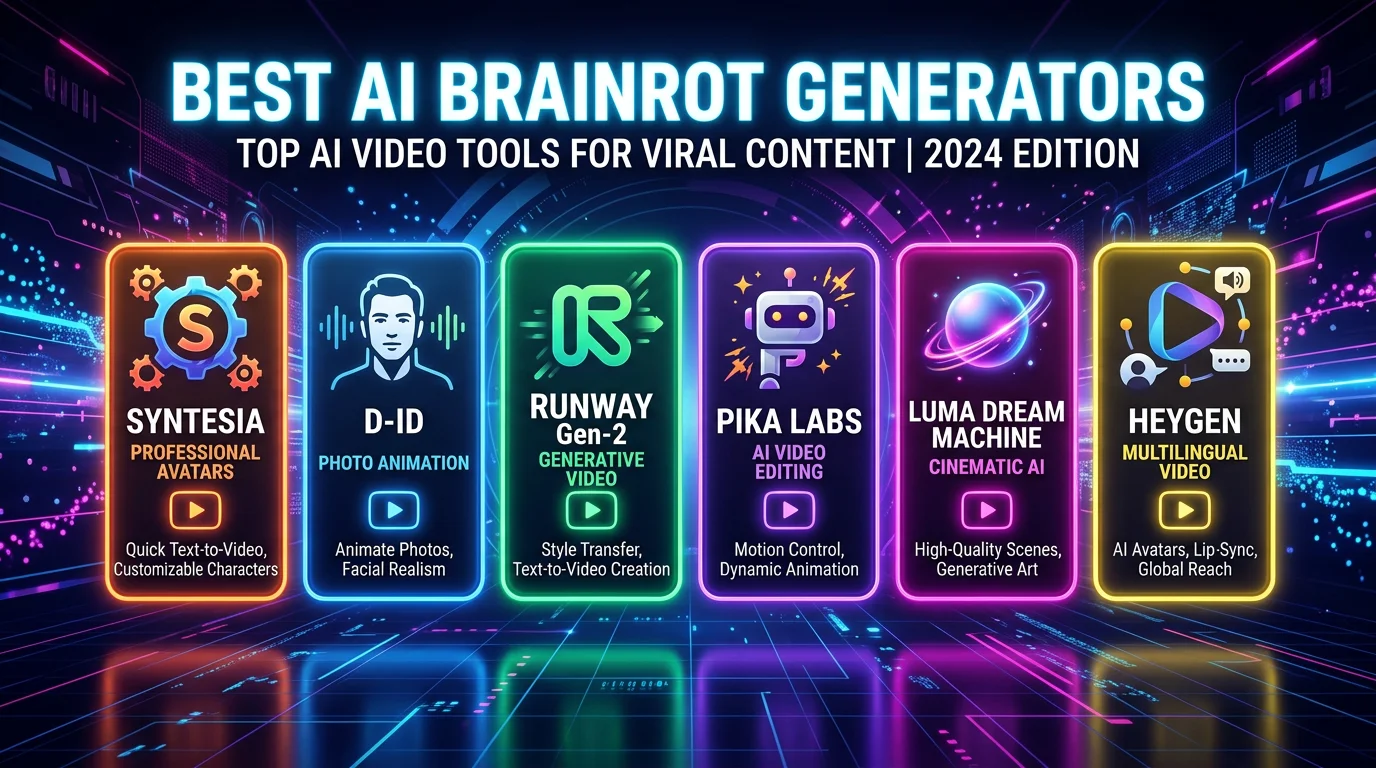
AI brainrot video generators turn text into the chaotic, overstimulating short-form videos that dominate TikTok, YouTube Shorts, and Instagram Reels. The format — AI voiceover + animated captions + gameplay background — has become one of the most viral content formats of 2025-2026.
But not all tools are equal. Some generate complete videos in seconds, others require manual assembly. Some have great voices, others have better backgrounds. This guide compares the top tools honestly — including where each one falls short.
What Makes a Good Brainrot Video Generator?
Before comparing tools, here's what actually matters for brainrot content:
- Voice quality — The dramatic narration IS the content. Robotic voices kill engagement. You need natural-sounding AI voices with emotional range.
- Background variety — Subway Surfers, Minecraft parkour, satisfying clips, GTA. The background keeps viewers watching while the voiceover delivers the content.
- Caption animation — Word-by-word animated captions in bold, attention-grabbing styles. 80%+ of viewers watch with sound off initially — captions hook them in.
- Speed — If you're posting daily brainrot content, a tool that takes 30 minutes per video isn't sustainable. Under 5 minutes is the target.
- Output quality — 1080x1920 vertical, clean rendering, no watermarks, ready to post without additional editing.
The 6 Best AI Brainrot Video Generators
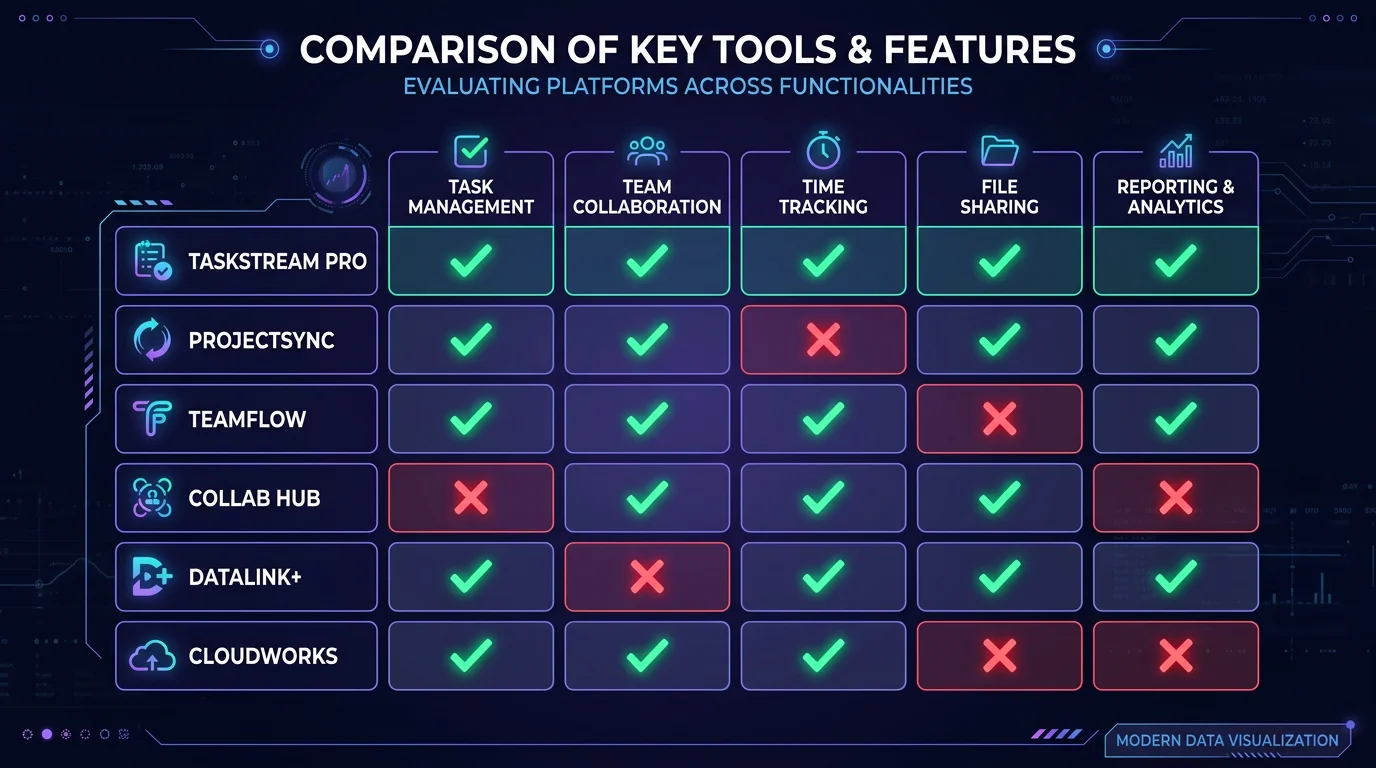
| Tool | Type | Speed | Best For | Price |
|---|---|---|---|---|
| FlowShorts | Full pipeline | 2-3 min | Complete automation + auto-posting | From $19/mo |
| ReVid.ai | Full pipeline | ~1 min | Fast generation, many tool types | Free tier + paid |
| StoryShort.ai | Full pipeline | ~2 min | Story-focused brainrot, PDF input | Free tier + paid |
| Media.io | Effects-based | ~5 min | Face/body effects, fun filters | Free tier + paid |
| Viggle AI | Template-based | ~1 min | Character animation templates | Free |
| CapCut (manual) | Editor | 20-40 min | Full creative control | Free |
1. FlowShorts — Best for Full Automation + Auto-Posting
What it does: FlowShorts generates complete brainrot videos from text input: AI voiceover (ElevenLabs), word-by-word animated captions, and gameplay backgrounds (Subway Surfers, Minecraft, GTA 5, Roblox, Satisfying). It can also auto-post to TikTok, YouTube Shorts, and Instagram Reels on a schedule.
Strengths:
- Premium ElevenLabs voices — the most natural-sounding AI voices available
- 6 caption animation styles (Bold, Minimal, Hormozi, MrBeast, Classic, Boxed)
- Auto-posting to 3 platforms (unique among brainrot generators)
- 5 gameplay background categories with multiple clips each
Weaknesses:
- No free tier for video generation (free tools available, but video generation requires a plan)
- Fewer background categories than ReVid
- Generation takes 2-3 minutes vs ReVid's ~1 minute
Best for: Creators who want to build a daily brainrot posting machine. The auto-posting feature means you set it up once and your content goes out on schedule across all platforms.
Price: Starts at $19/month for 8 videos with auto-posting. Try FlowShorts free.
2. ReVid.ai — Best for Speed and Variety
What it does: ReVid is a Swiss Army knife of AI video tools. Their text-to-brainrot generator creates videos quickly with gameplay backgrounds, but they also offer tools for Italian brainrot, tweet-to-video, AI cat videos, roast generators, and more.
Strengths:
Create Faceless Videos on Autopilot
FlowShorts generates and posts AI videos to YouTube, TikTok & Instagram while you sleep.
Try FlowShorts Free →- Fast generation (~1 minute per video)
- Wide variety of video types beyond brainrot (20+ tools)
- Strong SEO presence — ranks for many relevant keywords
- Free tier available for testing
Weaknesses:
- No auto-posting to social platforms
- Voice quality is decent but below ElevenLabs level
- Jack of all trades — brainrot isn't their sole focus
Best for: Creators who want to try different video formats (not just brainrot) and want fast output. Good for experimentation.
3. StoryShort.ai — Best for Story-Based Brainrot
What it does: StoryShort specializes in turning stories and text (including PDFs) into brainrot-style videos. Their focus on narrative content means the AI is optimized for longer-form storytelling over gameplay backgrounds.
Strengths:
- PDF-to-brainrot feature (paste a document, get a video)
- Strong Italian brainrot generator (ranks #6 for the keyword)
- Story-optimized — better pacing for narrative content
- Creators report averaging 75K views per video
Weaknesses:
- Smaller background library than competitors
- No auto-posting
- Less customization for caption styles
Best for: Reddit story brainrot, educational content, and creators who want to turn existing text content into videos.
4. Media.io — Best for Effects-Based Brainrot
What it does: Media.io takes a different approach — instead of generating videos from text, it offers 200+ effects that transform your face, body, or scene into brainrot-style content. Think face swaps, body distortions, and meme filters.
Strengths:
- 200+ fun effects and filters
- Good for reaction/face-based brainrot content
- Browser-based — no download required
Weaknesses:
- Not a true text-to-video generator — requires source footage
- Can't create faceless brainrot content
- More manual effort than pipeline tools
Best for: Creators who show their face and want to add brainrot effects to existing footage.
5. Viggle AI — Best Free Option
Create Faceless Videos on Autopilot
FlowShorts generates and posts AI videos to YouTube, TikTok & Instagram while you sleep.
Try FlowShorts Free →What it does: Viggle lets you upload an image, choose a brainrot video template, and animate your character into viral-style content. It's template-based rather than fully generative.
Strengths:
- Completely free
- Very fast (~1 minute)
- Trending templates updated regularly
- Good for character animation
Weaknesses:
- Template-dependent — limited originality
- No voiceover generation
- No gameplay backgrounds
Best for: Beginners who want to test brainrot content at zero cost.
6. CapCut (Manual Workflow) — Best for Full Control
What it does: CapCut is a free video editor with built-in AI features. For brainrot, you manually combine gameplay footage + AI voiceover (from another tool) + caption animations. It's not automated, but it gives you complete creative control.
Strengths:
- Free and full-featured
- Complete creative control over every element
- Beat sync, effects, transitions
- Mobile-first — edit on your phone
Weaknesses:
- 20-40 minutes per video (vs 1-3 minutes with AI tools)
- Requires sourcing your own gameplay footage and voiceover
- Not scalable for daily posting
Best for: Creators who want maximum control and don't mind the time investment. Good for learning the format before automating.
Which Tool Should You Choose?
| If you want... | Choose |
|---|---|
| Daily automated posting across TikTok, YouTube & Instagram | FlowShorts |
| Fast generation with lots of different video types | ReVid.ai |
| Story/Reddit/PDF content turned into brainrot | StoryShort.ai |
| Face/body effects on existing footage | Media.io |
| Free character animation templates | Viggle AI |
| Full creative control (and don't mind the time) | CapCut |
The Realistic Workflow for 2026
Most successful brainrot creators don't use just one tool. The typical workflow looks like this:
- Ideation — Find trending topics, stories, or character concepts. Check what's viral on TikTok's brainrot hashtags.
- Script — Write 100-200 words of dramatic narration. Include a hook in the first 3 seconds.
- Generate — Use an AI tool (FlowShorts, ReVid, or StoryShort) to create the video. 1-3 minutes.
- Review — Watch the output. If it's good, post it. If not, regenerate with a tweaked script.
- Post — Either auto-post (FlowShorts) or manually upload to TikTok, YouTube Shorts, and Instagram Reels.
The entire process from idea to posted video should take under 10 minutes. If you're spending more than that, you're overcomplicating it. Brainrot content thrives on volume and iteration, not perfection.
Related Tools & Guides
- FlowShorts — AI faceless video generator with auto-posting
- Italian Brainrot Explained — Complete character guide and origin story
- Italian Brainrot Explained — Complete character guide and origin story
- Best AI Video Generators — Broader comparison of all AI video tools
- Video Hook Generator — Write scroll-stopping opening lines


