Transcribe Audio to Text: 7 Best Tools for Creators (2026)
7 best tools to transcribe audio to text in 2026. Covers Whisper (free), Descript, Otter.ai, YouTube auto-captions, Rev, and how transcription powers TikTok-style animated video captions.
FlowShorts Team
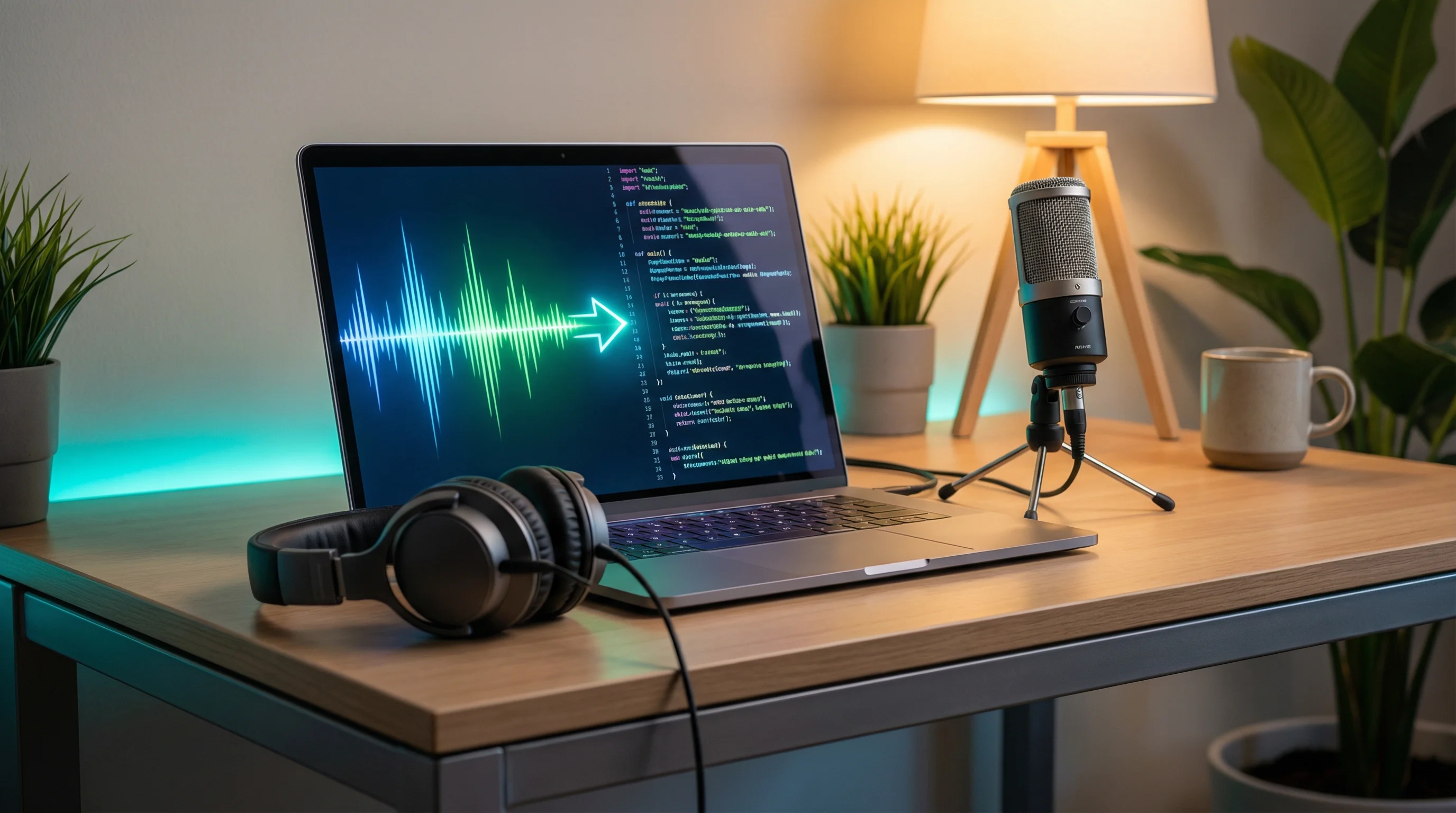
Transcribing audio to text used to mean hours of manual typing or expensive human transcription services. In 2026, AI does it in seconds — upload an audio file, get a text transcript with 95%+ accuracy. Some tools even generate word-level timestamps for video captions.
This guide covers the best free and paid methods, compares accuracy across tools, and explains how transcription powers the short-form video pipeline.
7 Best Ways to Transcribe Audio to Text (2026)
1. OpenAI Whisper (Free, Most Accurate)
Whisper is OpenAI's open-source speech recognition model. It's the most accurate free transcription tool available — 95-99% accuracy in English, 90%+ in 50 other languages. Many commercial transcription services (including FlowShorts' caption pipeline) use Whisper under the hood.
How to use it:
pip install openai-whisper
whisper audio.mp3 --model medium --language en
This outputs a text file with timestamps. The medium model balances speed and accuracy. Use large-v3 for maximum accuracy (slower).
- Accuracy: 95-99% (English), 90%+ (50 languages)
- Speed: ~1 minute per 10 minutes of audio (medium model, GPU)
- Output: Plain text, SRT subtitles, VTT, TSV, JSON with timestamps
- Price: Free (open source, runs locally)
- Best for: Developers, power users, batch processing
2. Descript (Best for Editing Transcripts)
Descript transcribes audio and lets you edit the transcript as a text document — deleting words from the transcript removes them from the audio/video. It's the closest thing to "editing video by editing text."
- Accuracy: 95%+ (uses Whisper-based model)
- Output: Transcript, SRT/VTT subtitles, edited audio/video
- Price: Free tier (1 hour/mo) / $24/mo (Pro)
- Best for: Podcasters, talking-head video editors, transcript-based editing
3. YouTube Auto-Captions (Free, Already Built In)
YouTube automatically transcribes every video you upload. The transcript is accessible in YouTube Studio and can be downloaded as an SRT file. Accuracy is decent (90%+) but lower than Whisper for specialized vocabulary.
- Accuracy: 90-95% (struggles with accents, jargon)
- Output: SRT subtitles, plain text transcript
- Price: Free (on any uploaded YouTube video)
- Best for: Quick transcription of YouTube content
How to download: YouTube Studio → Content → select video → Subtitles → click the auto-generated captions → Download (.srt)
4. Otter.ai (Best for Meetings and Conversations)
Otter.ai specializes in live meeting transcription. It joins your Zoom, Google Meet, or Teams calls automatically, transcribes in real-time, identifies speakers, and generates meeting summaries with action items.
- Accuracy: 90-95% (optimized for conversational speech)
- Output: Real-time transcript, meeting summary, action items, speaker labels
- Price: Free (300 min/mo) / $10/mo (Pro) / $20/mo (Business)
- Best for: Meeting transcription, interviews, lectures
5. Google Docs Voice Typing (Free, Instant)
Google Docs has built-in voice typing that transcribes as you speak. Open a Google Doc, go to Tools → Voice typing, click the microphone, and start talking. It transcribes in real time.
- Accuracy: 85-92% (decent for dictation, weaker for recorded audio)
- Output: Text directly in Google Docs
- Price: Free
- Best for: Quick dictation, note-taking, draft writing
- Limitation: Only works with live mic input — you can't upload an audio file
6. Rev (Best for Professional Human-Verified Transcription)
Rev offers both AI transcription ($0.25/min) and human-verified transcription ($1.50/min). The AI option is fast and cheap. The human option adds manual review for 99%+ accuracy — essential for legal, medical, or published content where errors matter.
- Accuracy: 90-95% (AI) / 99%+ (human-verified)
- Output: TXT, DOCX, PDF, SRT, VTT
- Price: $0.25/min (AI) / $1.50/min (human)
- Best for: Professional transcription where accuracy is critical
7. Fireworks AI Whisper (Fastest API)
Fireworks AI hosts Whisper as a fast API — you send an audio file, get back a transcript with word-level timestamps in seconds. It's the fastest cloud Whisper implementation and is used by production systems (including FlowShorts) for caption generation.
- Accuracy: Same as Whisper (95-99%)
- Output: JSON with word-level timestamps — perfect for animated captions
- Price: Pay-per-use (~$0.005/min of audio)
- Best for: Developers building caption/subtitle features, production APIs
Comparison Table
| Tool | Accuracy | Speed | Word Timestamps | Free Tier | Price |
|---|---|---|---|---|---|
| OpenAI Whisper | 95-99% | Fast (GPU) | Yes | Free (open source) | Free |
| Descript | 95%+ | Fast | Yes | 1 hr/mo | $24/mo |
| YouTube Auto-Captions | 90-95% | Minutes | Yes (SRT) | Free | Free |
| Otter.ai | 90-95% | Real-time | Yes | 300 min/mo | $10/mo |
| Google Docs | 85-92% | Real-time | No | Free | Free |
| Rev | 90-99%+ | Minutes (AI) / Hours (human) | Yes | No | $0.25-$1.50/min |
| Fireworks Whisper | 95-99% | Fastest | Yes (word-level) | Free credits | ~$0.005/min |
How Transcription Powers Video Captions
Transcription isn't just about converting speech to text — it's the foundation of animated video captions, the TikTok-style word-by-word highlights that keep viewers watching.
The pipeline works like this:
- Generate voiceover — AI text-to-speech creates narration from a script
- Transcribe with word timestamps — Whisper processes the audio and outputs each word with its exact start/end time (e.g., "The" at 0.00-0.15s, "quick" at 0.16-0.32s)
- Render animated captions — Each word highlights on screen at the exact moment it's spoken, creating the TikTok-style caption effect
This is exactly how FlowShorts generates captions for every video. The system uses ElevenLabs for voiceover, Fireworks Whisper for word-level transcription, then renders TikTok-style animated captions in 6 styles (minimal, bold, classic, boxed, hormozi, mrbeast). All automatic — no manual captioning needed.
For planning narration length before recording, use our Speech Time Calculator to match script word count to target video duration.
Transcription Tips for Better Accuracy
- Clean audio = clean transcript. Background noise, echo, and overlapping speakers reduce accuracy. Record in a quiet room or use noise removal before transcribing. See our video editing tips for audio cleanup techniques.
- Use the right model size. Whisper's
tinymodel is fast but less accurate.mediumis the sweet spot.large-v3is most accurate but 10x slower. Match model size to your accuracy needs. - Specify the language. Telling the tool which language to expect (via
--language enin Whisper) prevents misdetection and improves accuracy, especially for accented speech. - Post-edit proper nouns. AI transcription consistently struggles with brand names, technical terms, and uncommon proper nouns. Do a quick find-and-replace pass after transcription for known terms.
- Segment long files. Transcribing a 3-hour podcast as one file can produce errors. Split into 15-30 minute segments for better accuracy and easier editing.
Use Cases for Audio Transcription
| Use Case | Best Tool | Why |
|---|---|---|
| Video captions (Shorts/Reels/TikTok) | Whisper / Fireworks API | Word-level timestamps needed for animated captions |
| Podcast show notes | Descript | Edit transcript = edit audio, export both |
| Meeting notes | Otter.ai | Real-time transcription, speaker labels, action items |
| Blog post from interview | Rev (human) or Whisper | High accuracy for published written content |
| YouTube SEO (add subtitles) | YouTube Auto-Captions + manual edit | Free, already integrated, improves YouTube SEO |
| Quick dictation | Google Docs Voice Typing | Free, instant, no setup |
| Automated video pipeline | FlowShorts (built-in) | Handles transcription + captions as part of full video generation |
For creating complete videos with automatic transcription and captions, FlowShorts handles the entire pipeline — script, voiceover, transcription, animated captions, and auto-posting to YouTube Shorts, TikTok, and Instagram Reels.
Frequently Asked Questions
What is the most accurate audio transcription tool?
OpenAI Whisper (large-v3 model) is the most accurate free option at 95-99% accuracy. For guaranteed 99%+ accuracy, Rev's human transcription ($1.50/min) adds manual review. Most AI tools use Whisper under the hood.
Can I transcribe audio to text for free?
Yes. OpenAI Whisper is completely free and open source — install it and run locally. Google Docs Voice Typing is free for live dictation. YouTube auto-captions are free for any uploaded video. Otter.ai offers 300 free minutes per month.
How do I get word-level timestamps from transcription?
Use Whisper with the --word_timestamps True flag, or use the Fireworks AI Whisper API which returns word-level timestamps by default. These timestamps are required for TikTok-style animated captions where each word highlights as it's spoken.
What audio formats can I transcribe?
Most tools accept MP3, WAV, M4A, FLAC, OGG, and WEBM. Whisper accepts virtually any audio format. For video files (MP4, MOV), most tools extract the audio automatically. Convert unusual formats to MP3 before uploading if a tool doesn't accept them.
How long does transcription take?
AI transcription is fast: 1-3 minutes for a 30-minute audio file using cloud services (Fireworks, Descript, Rev AI). Local Whisper depends on your hardware — 1-10 minutes for 30 minutes of audio depending on model size and GPU availability.
Can transcription help with video SEO?
Yes. Adding accurate subtitles (SRT files) to YouTube videos improves search ranking — YouTube indexes subtitle text for search. Videos with captions also get more watch time (viewers stay longer), which is the primary YouTube ranking signal. See our YouTube Analytics guide for how watch time affects distribution.
Related Guides
- 50 Video Editing Tips for Beginners & Pros
- How to Make AI YouTube Shorts
- AI YouTube Shorts Generator: 7 Best Tools
- Text to Video AI Tools
- YouTube Analytics Explained
Skip Manual Transcription — Get Automatic Captions
FlowShorts generates complete videos with AI voiceover and word-level animated captions built in. No separate transcription step — captions are part of the automated pipeline. Auto-posted to YouTube Shorts, TikTok, and Instagram Reels.