How to Remove Watermark From Video: 6 Free Methods (2026)
6 ways to remove watermarks from video for free. Covers CapCut overlay, cropping, AI inpainting, DaVinci Resolve blur, FFmpeg, and paying for premium exports. TikTok watermark removal included.
FlowShorts Team
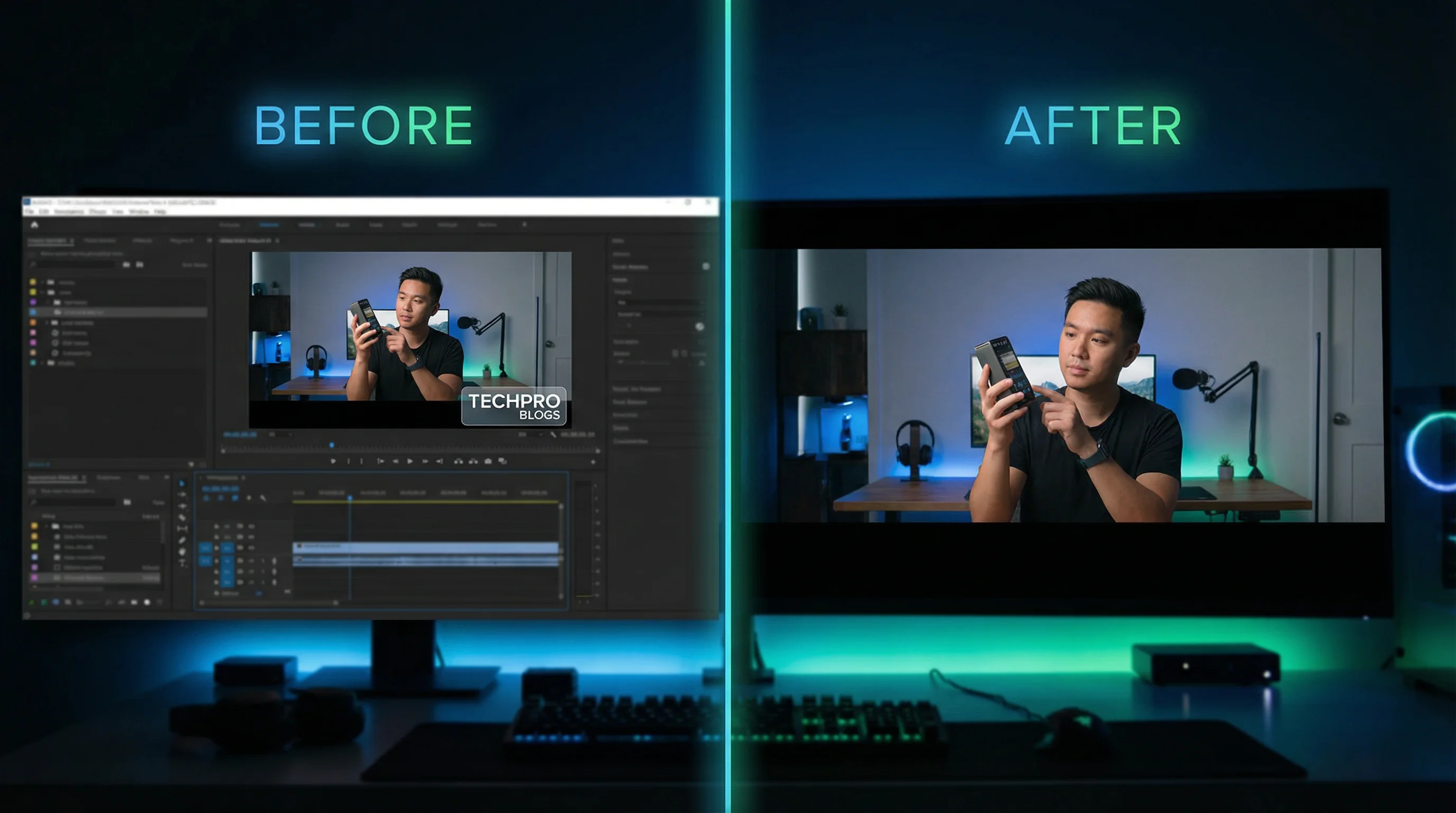
A watermark on a video ruins the output — whether it's a stock footage logo, a free editor's branding, or a TikTok watermark you need removed before reposting to YouTube Shorts. Here are the best free methods to remove watermarks from video in 2026, plus when you should skip removal entirely and create original content instead.
6 Ways to Remove Watermarks From Video
1. CapCut (Free — Overlay Method)
The simplest free approach. CapCut lets you cover a watermark with a text overlay, sticker, emoji, or blur effect positioned over the watermark area.
- Import your video into CapCut
- Add a text element or sticker to the timeline
- Position it over the watermark
- Resize to cover the watermark completely
- Set the duration to match the full video length
- Export
Pros: Free, no quality loss, works on any watermark position.
Cons: The overlay is visible — you're covering, not removing. Doesn't work if the watermark is in the center of the frame.
2. Crop the Frame (Any Editor)
If the watermark is near the edge of the frame (bottom corner is most common), crop the video to cut it out. This works in any editor — CapCut, DaVinci Resolve, Premiere Pro, or even the phone's built-in photo editor.
- Open the video in any editor
- Use the crop/resize tool
- Crop the edge where the watermark sits (usually bottom-right or bottom-center)
- Re-scale to fill the frame (some quality loss depending on how much you crop)
- Export at 1080×1920 for Shorts/Reels
Pros: Clean removal, no artifacts.
Cons: Loses frame area. Doesn't work for center watermarks. May look noticeably zoomed if you crop more than 10-15%.
For correct export dimensions after cropping, see our YouTube Shorts dimensions guide and Instagram Reels size guide.
3. AI Inpainting (Most Effective)
AI inpainting tools analyze the pixels around the watermark and reconstruct what the original image looks like underneath. This is the closest thing to "true" watermark removal — the watermark disappears and the background fills in naturally.
How it works:
- Upload your video to an AI inpainting tool
- Draw a mask over the watermark area (select the region to remove)
- The AI fills in the masked area with generated pixels that match the surrounding content
- Export the clean video
Tools that offer this:
| Tool | Type | Quality | Price |
|---|---|---|---|
| Runway (Inpainting) | Browser-based AI | High — best results for complex backgrounds | Free tier / $12/mo |
| HitPaw Watermark Remover | Desktop app | Good — optimized specifically for watermarks | $16/mo |
| Apowersoft Watermark Remover | Desktop app | Medium — works on simple backgrounds | Free (limited) / $26/yr |
| Unscreen + manual compositing | Browser + editor | Varies — depends on background complexity | Free |
Pros: Cleanest results. Watermark actually removed, not covered.
Cons: Quality depends on background complexity. Static backgrounds = perfect. Complex moving backgrounds = visible artifacts. Paid tools for best results.
4. DaVinci Resolve (Free — Clone/Blur Method)
DaVinci Resolve (free version) has a Fusion page with a Clone tool that can paint over watermarks frame by frame, or you can apply a blur/mosaic to the watermark region.
- Import video into DaVinci Resolve
- Go to the Color page
- Add a Power Window (circle or rectangle) over the watermark
- Apply a blur effect inside the window
- Track the window to follow the watermark if the video moves
- Export
Pros: Free, professional-grade, blur can look intentional.
Cons: Steeper learning curve than CapCut. Blur is visible — everyone knows you're hiding something.
5. FFmpeg (Free — Command Line Crop)
For batch processing or automation, FFmpeg can crop watermarks from videos via command line.
ffmpeg -i input.mp4 -vf "crop=in_w:in_h-100:0:0" -c:a copy output.mp4This crops 100 pixels from the bottom of the video. Adjust the crop values for your specific watermark position.
Pros: Free, scriptable, batch process hundreds of files.
Cons: Command line only. Crop-only — no AI inpainting.
6. Export Without Watermark (Use a Paid Plan)
The simplest "removal" method: pay for the tool that added the watermark. Most free video editors (Canva, InVideo, Kapwing free tier, Veed free tier) add watermarks on the free plan. Upgrading to the paid plan exports without watermarks.
| Tool | Free Tier Watermark | Paid Plan (No Watermark) |
|---|---|---|
| CapCut | No watermark (free) | Free / $8/mo Pro |
| Canva | Watermark on premium assets | $13/mo Pro |
| Kapwing | Watermark on exports | $16/mo Pro |
| Veed.io | Watermark on exports | ~$6/mo Creator |
| InVideo | Watermark on exports | $25/mo Plus |
For reviews of these editors, see our Kapwing review, Veed.io review, and InVideo AI review.
Comparison: All 6 Methods
| Method | Watermark Type | Quality | Effort | Price |
|---|---|---|---|---|
| CapCut overlay | Corner watermarks | Medium (visible cover) | Easy | Free |
| Crop | Edge watermarks | Good (loses frame) | Easy | Free |
| AI inpainting | Any position | Best (AI fills in) | Medium | Free-$16/mo |
| DaVinci Resolve blur | Any position | Medium (visible blur) | Medium-Hard | Free |
| FFmpeg crop | Edge watermarks | Good (batch capable) | Technical | Free |
| Pay for premium | Editor watermarks | Perfect | Easiest | $6-25/mo |
How to Remove TikTok Watermark Specifically
TikTok adds a watermark with your username in the corner of downloaded videos. If you're reposting to YouTube Shorts or Instagram Reels, that watermark can hurt distribution — Instagram has been known to deprioritize videos with TikTok watermarks.
Best method:
- Before posting on TikTok, save the original video from your editor without uploading to TikTok first
- Post the watermark-free original to YouTube Shorts and Instagram Reels
- Then post to TikTok separately
If you've already posted to TikTok and only have the watermarked version, use the crop method (the TikTok watermark alternates corners, so you may need to crop different edges for different segments) or use an AI inpainting tool.
For multi-platform posting without watermark issues, FlowShorts auto-posts the same watermark-free video to YouTube Shorts, TikTok, and Instagram Reels simultaneously — each platform gets a clean, native upload.
When NOT to Remove Watermarks
A reality check on the legal and ethical side:
- Stock footage watermarks exist for a reason. They indicate you haven't licensed the footage. Removing them and using the footage commercially is theft. Buy the license.
- Someone else's watermark = someone else's content. Removing a creator's watermark from their video and reposting as your own is copyright infringement. Don't do it.
- Editor watermarks are a business model. Free tiers add watermarks to incentivize upgrades. If you use the tool professionally, paying $6-16/mo for watermark-free exports is the right move.
Legitimate reasons to remove watermarks: removing a free editor's watermark from your own content, removing your own old branding, reformatting your own TikTok videos for other platforms.
Skip Watermark Problems Entirely — Create Original Content
The cleanest approach to watermark-free video: create original content that never has a watermark in the first place.
FlowShorts generates complete videos from scratch — AI scripts, custom images, voiceover, animated captions, background music — and renders them at 1080×1920 with zero watermarks. The finished video auto-posts natively to YouTube Shorts, TikTok, and Instagram Reels. No re-downloading, no watermark removal, no cross-platform formatting.
For content ideas, explore faceless YouTube channel ideas or use our AI Video Script Generator to start creating.
Frequently Asked Questions
What is the best free way to remove a watermark from a video?
Cropping is the easiest free method for edge watermarks. CapCut overlay (placing a sticker or text over the watermark) works for corner watermarks. For the cleanest result, Runway's AI inpainting (free tier available) removes watermarks by filling in the background behind them.
Can I remove TikTok watermarks for free?
Yes. Crop the watermark area, use an overlay to cover it, or use an online TikTok watermark remover tool. The better approach: save your original video before posting to TikTok, then use the watermark-free version on other platforms.
Is removing watermarks legal?
It depends. Removing a watermark from your own content (e.g., a free editor's branding) is fine. Removing watermarks from someone else's content and reposting is copyright infringement. Removing stock footage watermarks without purchasing the license is also infringement.
Does Instagram penalize videos with TikTok watermarks?
Instagram has confirmed that recycled content from other platforms (including visible watermarks) gets reduced distribution. Posting watermark-free original content gets better reach. This is why multi-platform posting tools like FlowShorts upload natively to each platform.
How do I remove a watermark without losing quality?
AI inpainting (Runway, HitPaw) provides the best quality — the AI reconstructs the pixels behind the watermark. Cropping loses frame area but not resolution (if you export at the original resolution). Overlays don't affect quality but are visibly covering the watermark.
Can I batch-remove watermarks from multiple videos?
Yes — FFmpeg can batch-crop watermarks from hundreds of files via command line scripts. For AI inpainting, HitPaw supports batch processing. Most online tools process one video at a time.
Related Guides
- 50 Video Editing Tips for Beginners & Pros
- YouTube Shorts Dimensions Guide
- Instagram Reels Size Guide
- How to Screen Record on Windows
- Kapwing Review
- Veed.io Review
Skip Watermarks — Create Original Videos
FlowShorts generates watermark-free videos from scratch and auto-posts to YouTube Shorts, TikTok, and Instagram Reels. No downloads, no watermarks, no reformatting.